Getting Started with ROS2: Your First Node
ROS2 is the standard middleware for serious robotics. This guide explains what it is, why it matters, and walks you through installing it and writing your first publisher and subscriber.
If you spend any time in the robotics community, you’ll hear about ROS2 constantly. It stands for Robot Operating System 2, though calling it an “operating system” is a bit misleading — it’s more of a middleware framework that provides the plumbing for robot software.
What ROS2 Actually Does
ROS2 solves a fundamental problem in robotics: your robot is made of many different components (cameras, motors, sensors, planners, controllers) that need to communicate with each other. Without a standard framework, you’d spend all your time writing custom communication code.
ROS2 provides:
- Nodes: individual programs that do one thing (e.g., read a camera, control a motor)
- Topics: named channels for streaming data between nodes
- Services: request/response communication between nodes
- Actions: long-running tasks with feedback (e.g., “navigate to position X”)
- Parameters: configuration values that can be changed at runtime
- Launch files: scripts that start multiple nodes together
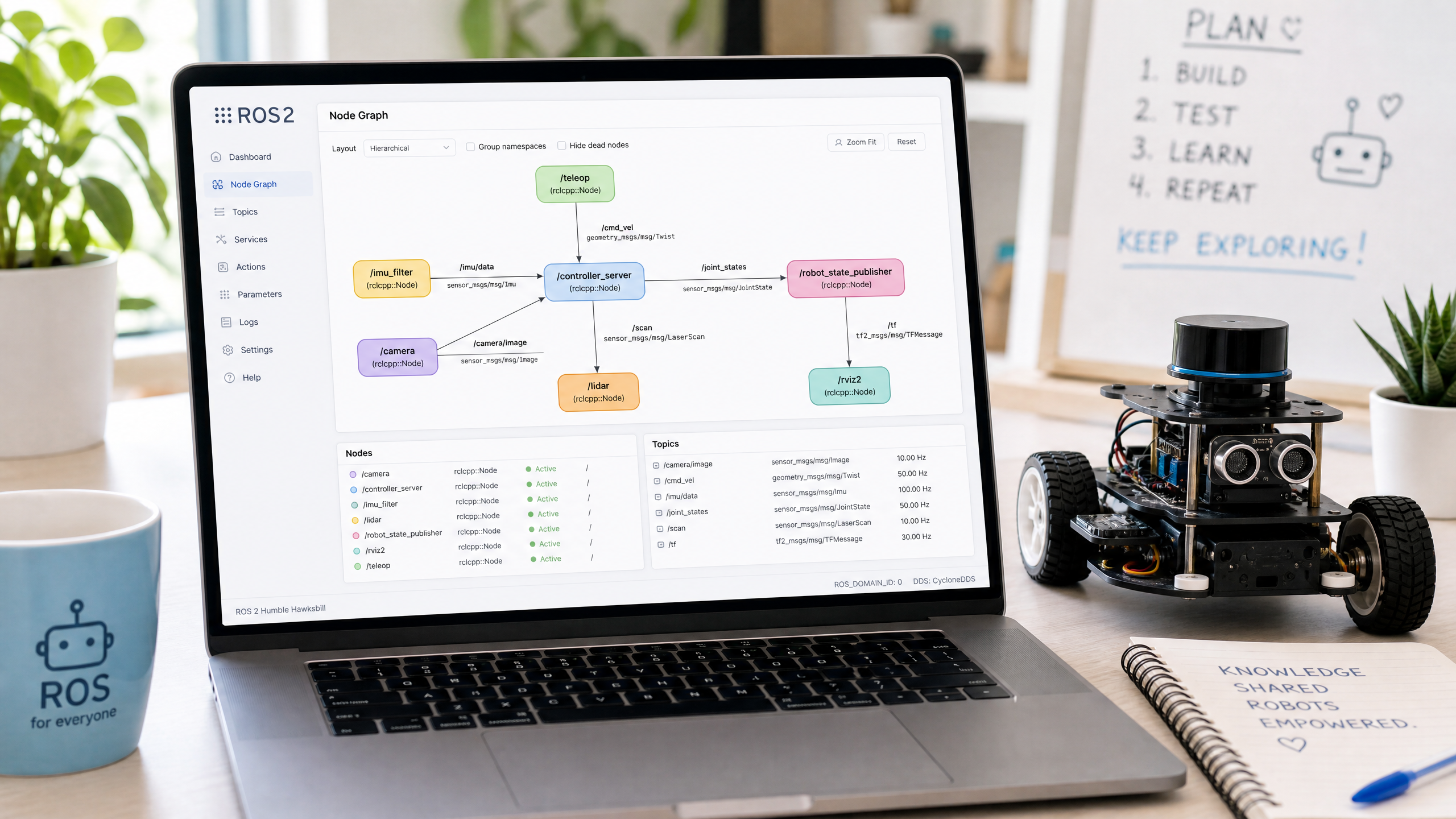
The two pieces you’ll use most are nodes and topics, and they fit together as a simple publish/subscribe pattern: one node publishes messages onto a named topic, and any node that subscribes to that topic receives them. The publisher and subscriber never talk to each other directly — they only agree on a topic name.
Installing ROS2
ROS2 Humble Hawksbill is the current LTS release (supported until 2027). Install on Ubuntu 22.04:
# Set up sources
sudo apt install software-properties-common
sudo add-apt-repository universe
sudo apt update && sudo apt install curl -y
sudo curl -sSL https://raw.githubusercontent.com/ros/rosdistro/master/ros.key -o /usr/share/keyrings/ros-archive-keyring.gpg
echo "deb [arch=$(dpkg --print-architecture) signed-by=/usr/share/keyrings/ros-archive-keyring.gpg] http://packages.ros.org/ros2/ubuntu $(. /etc/os-release && echo $UBUNTU_CODENAME) main" | sudo tee /etc/apt/sources.list.d/ros2.list > /dev/null

# Install ROS2 desktop
sudo apt update
sudo apt install ros-humble-desktop

# Source the setup file (add to ~/.bashrc)
source /opt/ros/humble/setup.bash
Your First Publisher Node
# publisher.py
import rclpy
from rclpy.node import Node
from std_msgs.msg import String

class HelloPublisher(Node):
    def __init__(self):
        super().__init__('hello_publisher')
        self.publisher = self.create_publisher(String, 'hello_topic', 10)
        self.timer = self.create_timer(1.0, self.publish_message)
        self.count = 0

    def publish_message(self):
        msg = String()
        msg.data = f'Hello from ROS2! Count: {self.count}'
        self.publisher.publish(msg)
        self.get_logger().info(f'Published: {msg.data}')
        self.count += 1

def main():
    rclpy.init()
    node = HelloPublisher()
    rclpy.spin(node)
    node.destroy_node()
    rclpy.shutdown()

if __name__ == '__main__':
    main()
Your First Subscriber Node
# subscriber.py
import rclpy
from rclpy.node import Node
from std_msgs.msg import String

class HelloSubscriber(Node):
    def __init__(self):
        super().__init__('hello_subscriber')
        self.subscription = self.create_subscription(
            String, 'hello_topic', self.listener_callback, 10
        )

    def listener_callback(self, msg):
        self.get_logger().info(f'Received: {msg.data}')

def main():
    rclpy.init()
    node = HelloSubscriber()
    rclpy.spin(node)
    node.destroy_node()
    rclpy.shutdown()

if __name__ == '__main__':
    main()
Running Your Nodes
ROS2 commands and Python imports like rclpy are only available after you source the setup file — and you must do this in every new terminal:
source /opt/ros/humble/setup.bashFor a quick test, you can run the two scripts directly. Open two terminals, source ROS2 in each, then:
# Terminal 1
python3 publisher.py

# Terminal 2
python3 subscriber.py
The subscriber should start printing the messages the publisher sends. You can also inspect what’s happening from a third terminal without touching any code:
ros2 topic list                 # should show /hello_topic
ros2 topic echo /hello_topic    # prints messages live
Running scripts directly is the quick-and-dirty path. The “proper” ROS2 workflow is to create a workspace, put your nodes in a package (with a
package.xmlandsetup.py), build it withcolcon build, sourceinstall/setup.bash, and launch nodes withros2 run <package> <node>. That structure is what lets ROS2 find, share, and launch your code cleanly — we’ll set up a proper package in a future tutorial.
The ROS2 ecosystem is vast — we’ll return to it many times throughout this series as we explore navigation, simulation, and more advanced topics.