Browse by Topic
Jump straight into the area you care about most.
Getting Started
Microcontrollers, first circuits, choosing your platform
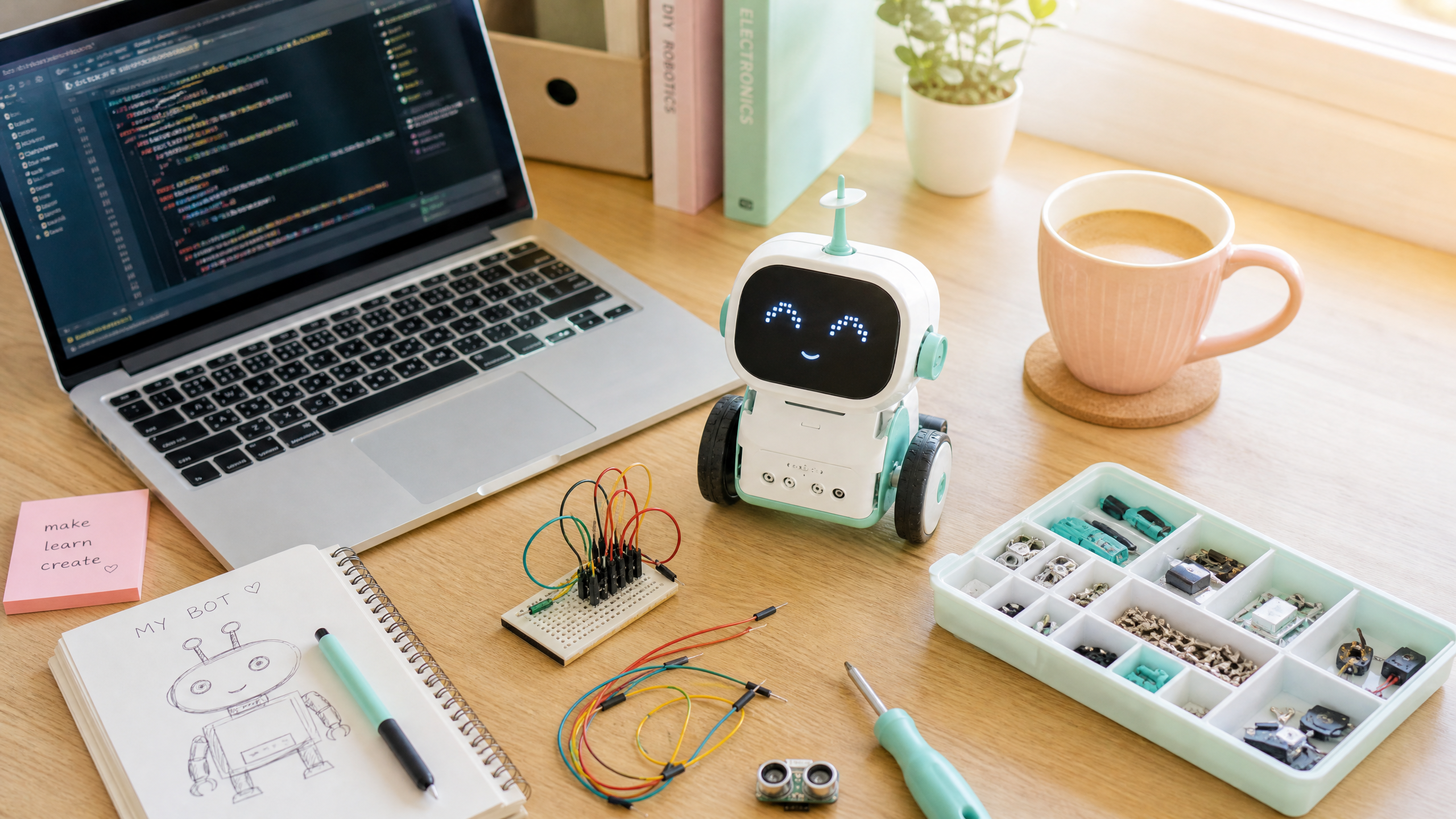
Six Months In: What We've Learned and What's Coming Next
We've covered a lot of ground in 26 weeks. Here's a recap of the journey so far, answers to the most common reader questions, and a preview of what's coming in the next six months.
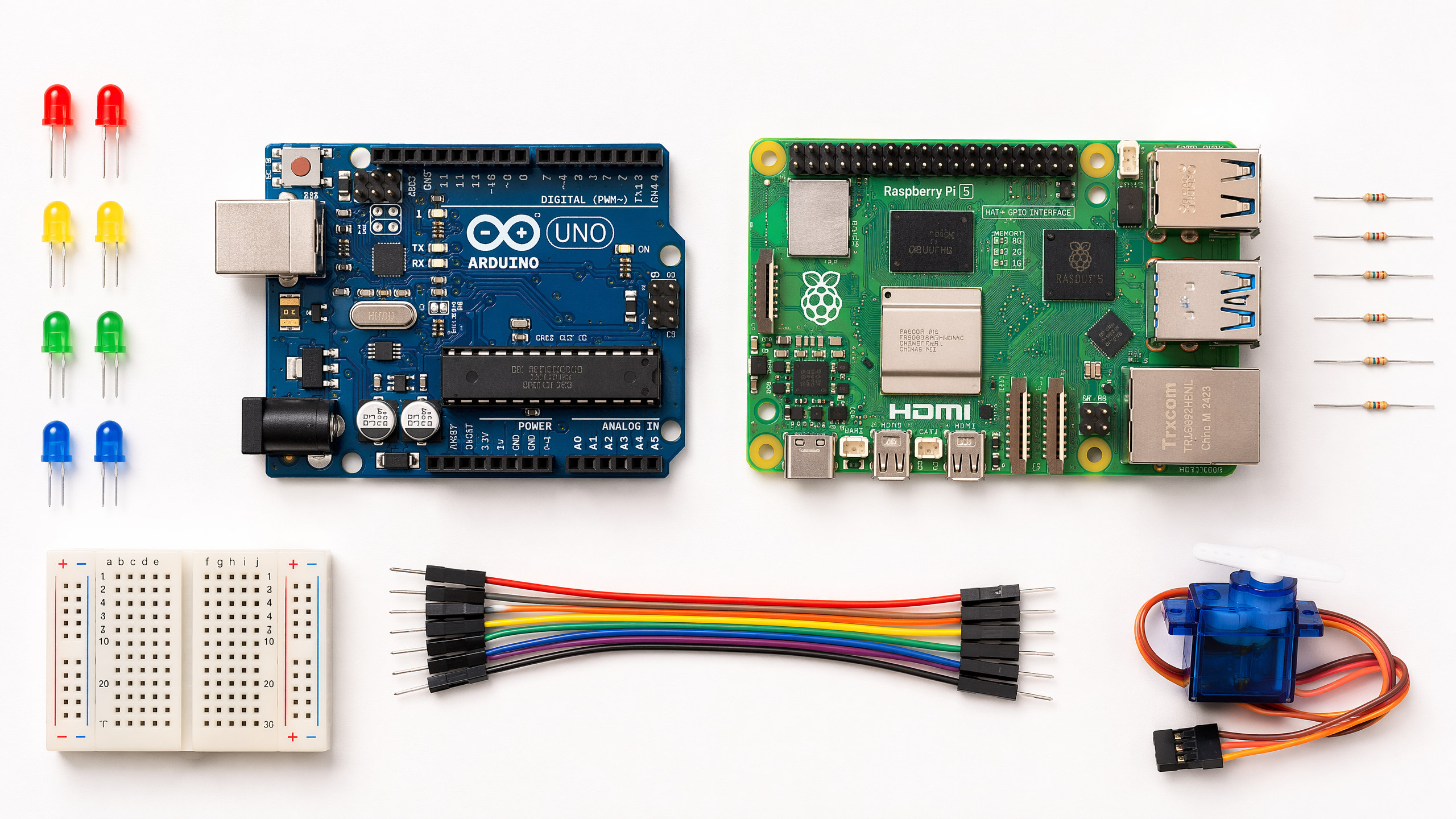
Debugging Hardware: A Systematic Approach
Hardware bugs are different from software bugs — you can't just add a print statement. This guide covers the tools and techniques for diagnosing hardware problems.
The Brains of the Operation: Microcontrollers vs Microprocessors
Arduino or Raspberry Pi? Microcontroller or microprocessor? This guide explains the difference, when to use each, and how to choose for your first robot project.
Welcome to Weekly Robotics!
Every Monday, a new beginner-friendly robotics tutorial lands here. Here's what to expect, who this is for, and how to get the most out of it.
Communication
CAN bus, I2C, SPI, UART — making components talk
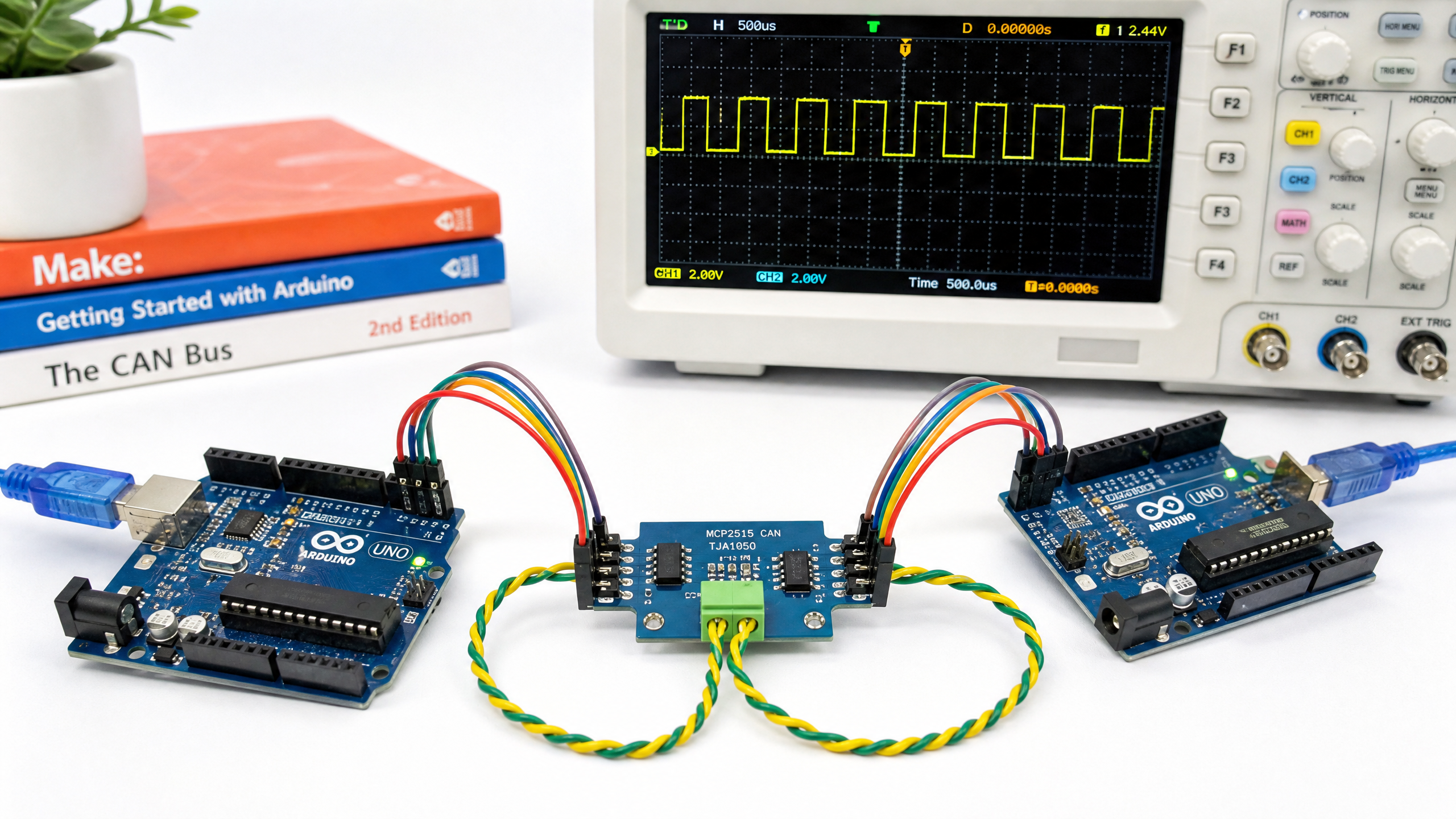
Wireless Communication for Robots: WiFi, Bluetooth, and LoRa
Cutting the cord opens up new possibilities. Compare WiFi, Bluetooth, and LoRa for different robotics applications, with practical setup guides.
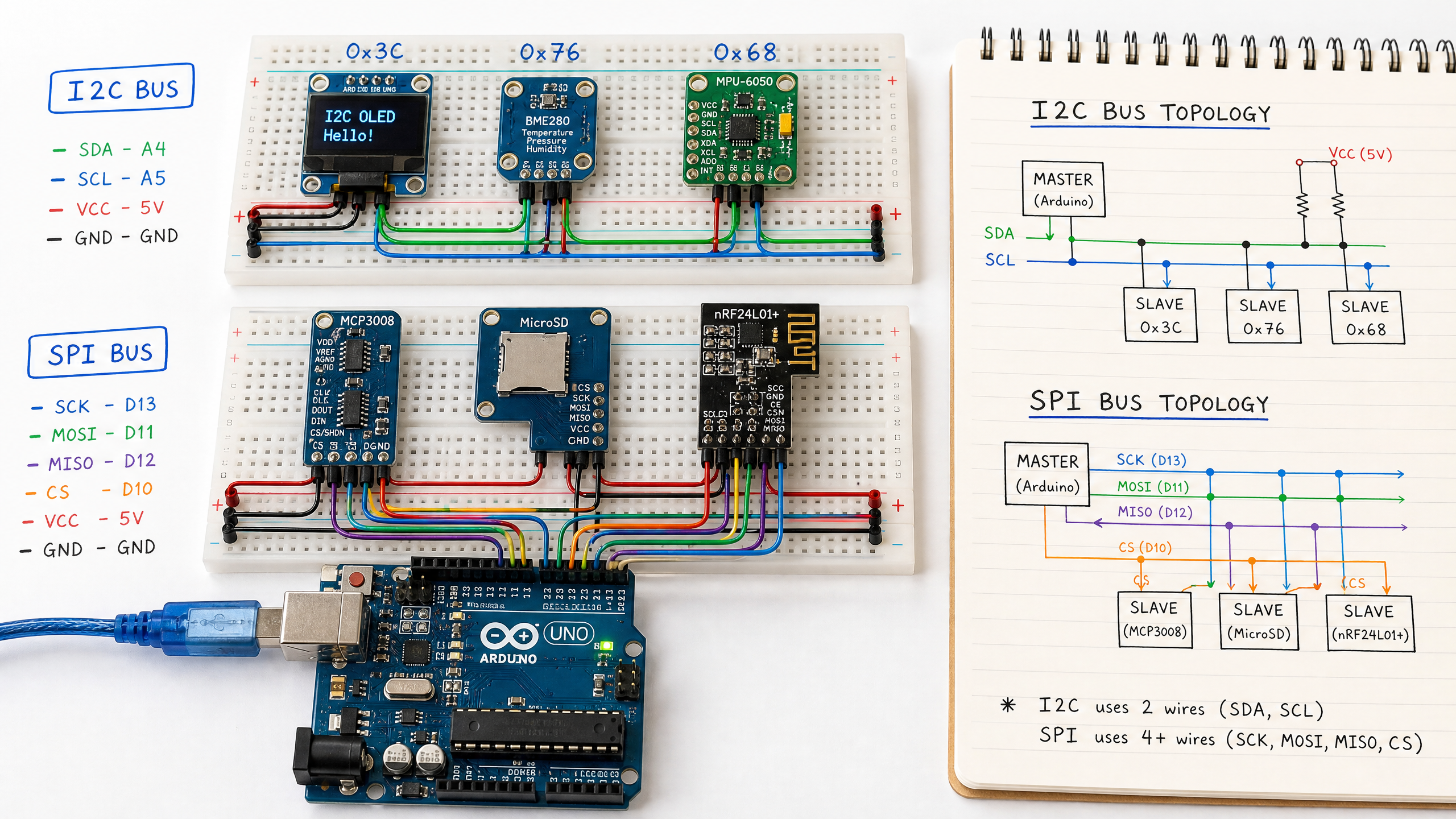
I2C and SPI: The Two Most Common Communication Protocols
After CAN bus, I2C and SPI are the protocols you'll use most often to connect sensors and peripherals to your microcontroller. Here's how they work and when to use each.
Setting Up CAN Bus for Robotics
CAN bus is the communication protocol that runs modern cars — and increasingly, robots. Here's what it is, why it matters, and how to set it up with two Arduinos and an MCP2515 module.
Sensors & Vision
Cameras, LiDAR, IMUs, and depth sensing
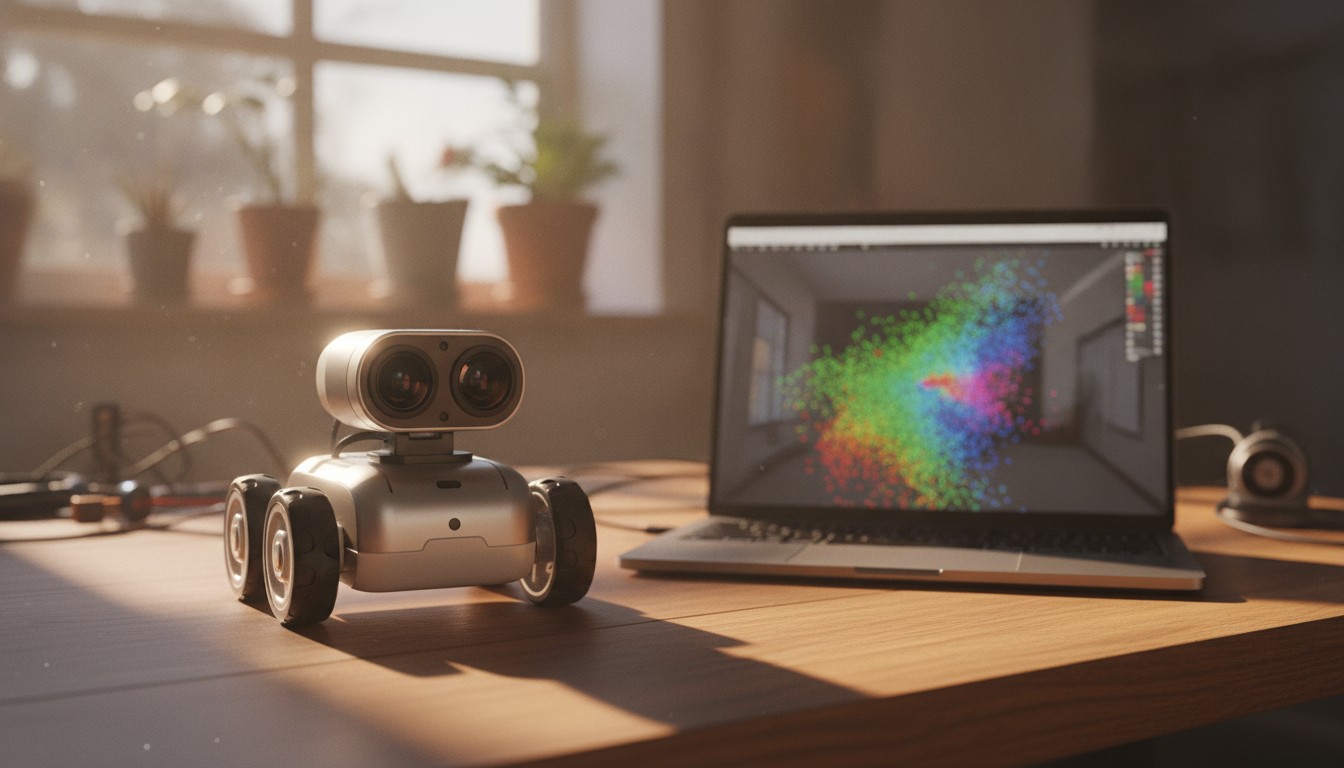
Depth Cameras in Practice (RealSense / OAK)
A point cloud has to come from somewhere. Learn how stereo depth cameras like the Intel RealSense D400 series and Luxonis OAK-D turn two images into a distance for every pixel, and wire one into ROS 2.
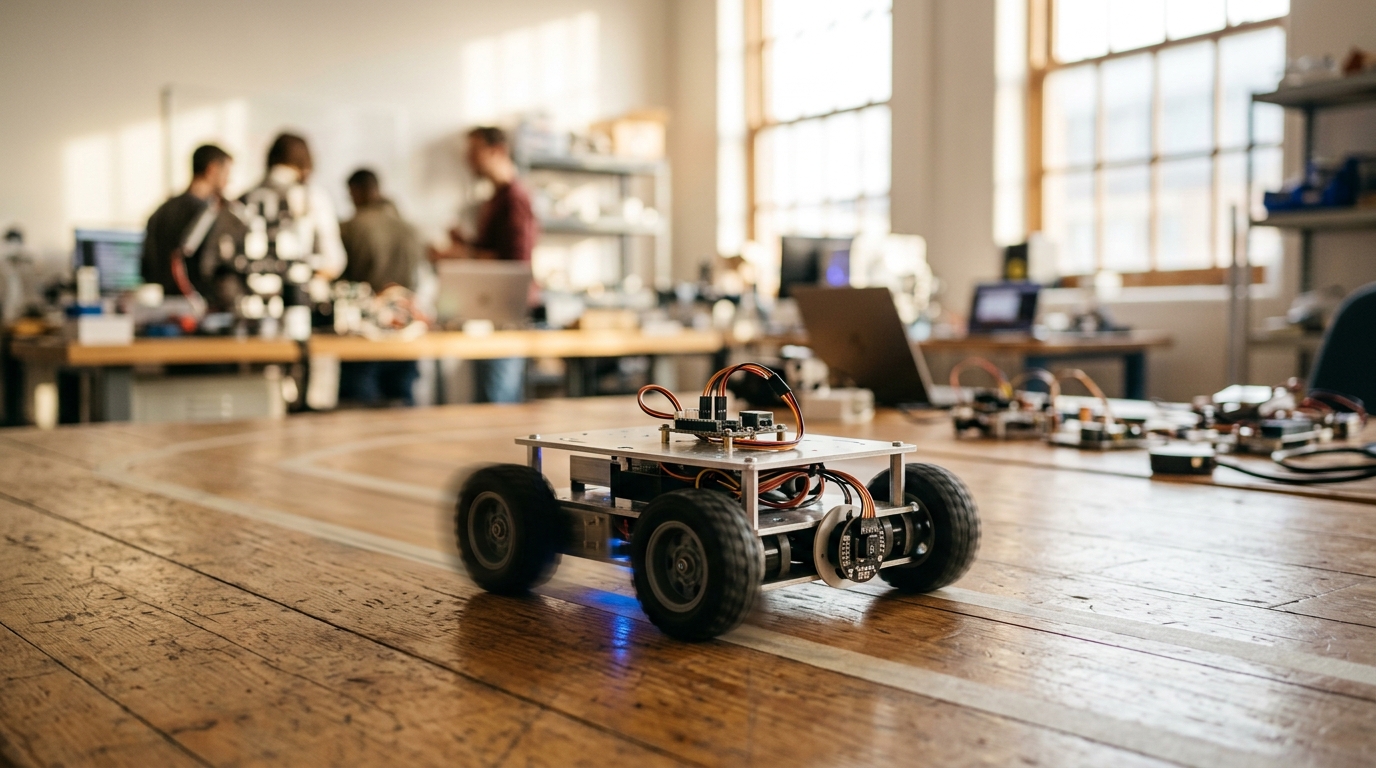
Sensor Fusion: IMU + Odometry (EKF)
Wheel odometry drifts, and IMUs drift too — differently. Learn how an Extended Kalman Filter blends both into one trustworthy pose estimate, and set it up with ROS 2's robot_localization package.
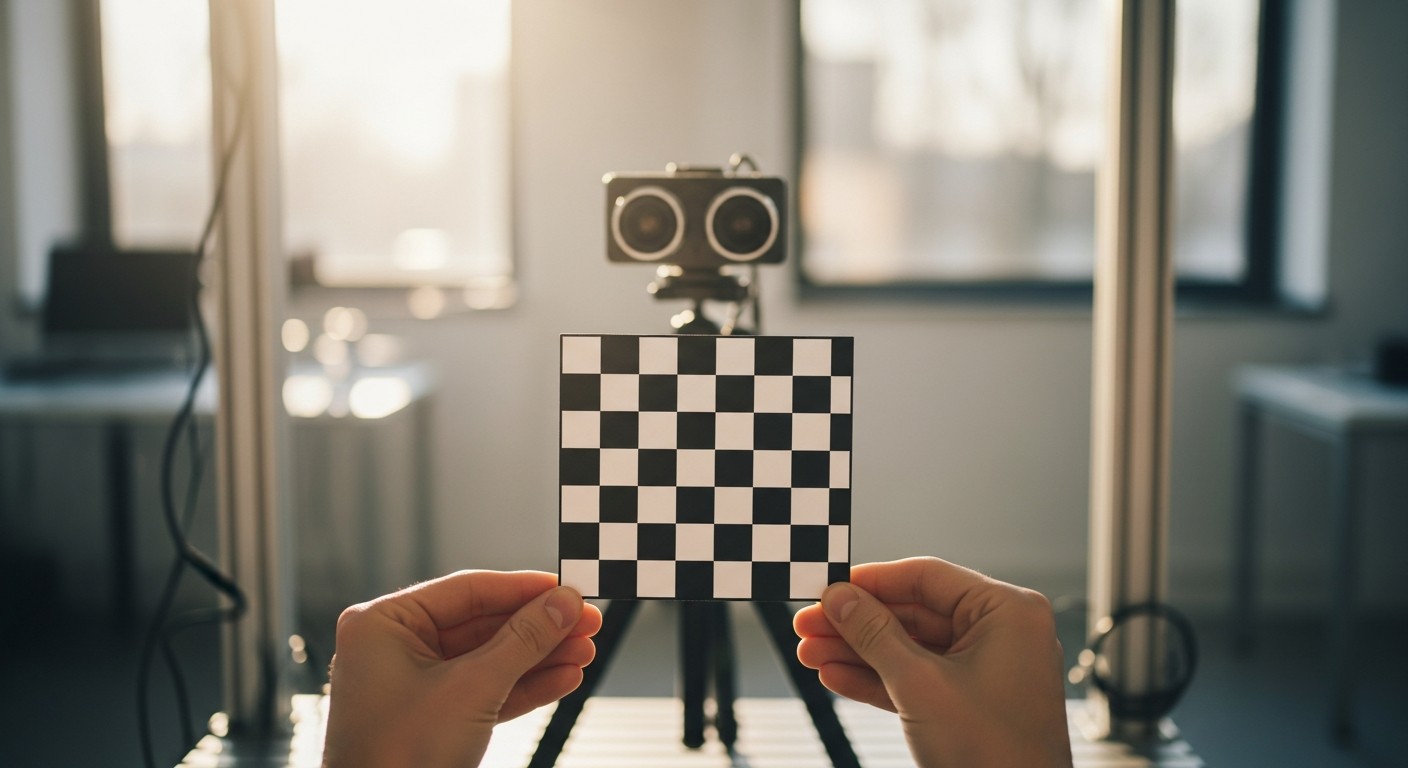
Camera Calibration & Intrinsics
A camera doesn't know its own geometry until you tell it. Learn the pinhole model, the intrinsic matrix, and how to calibrate a camera with a checkerboard — in plain OpenCV and inside ROS 2.
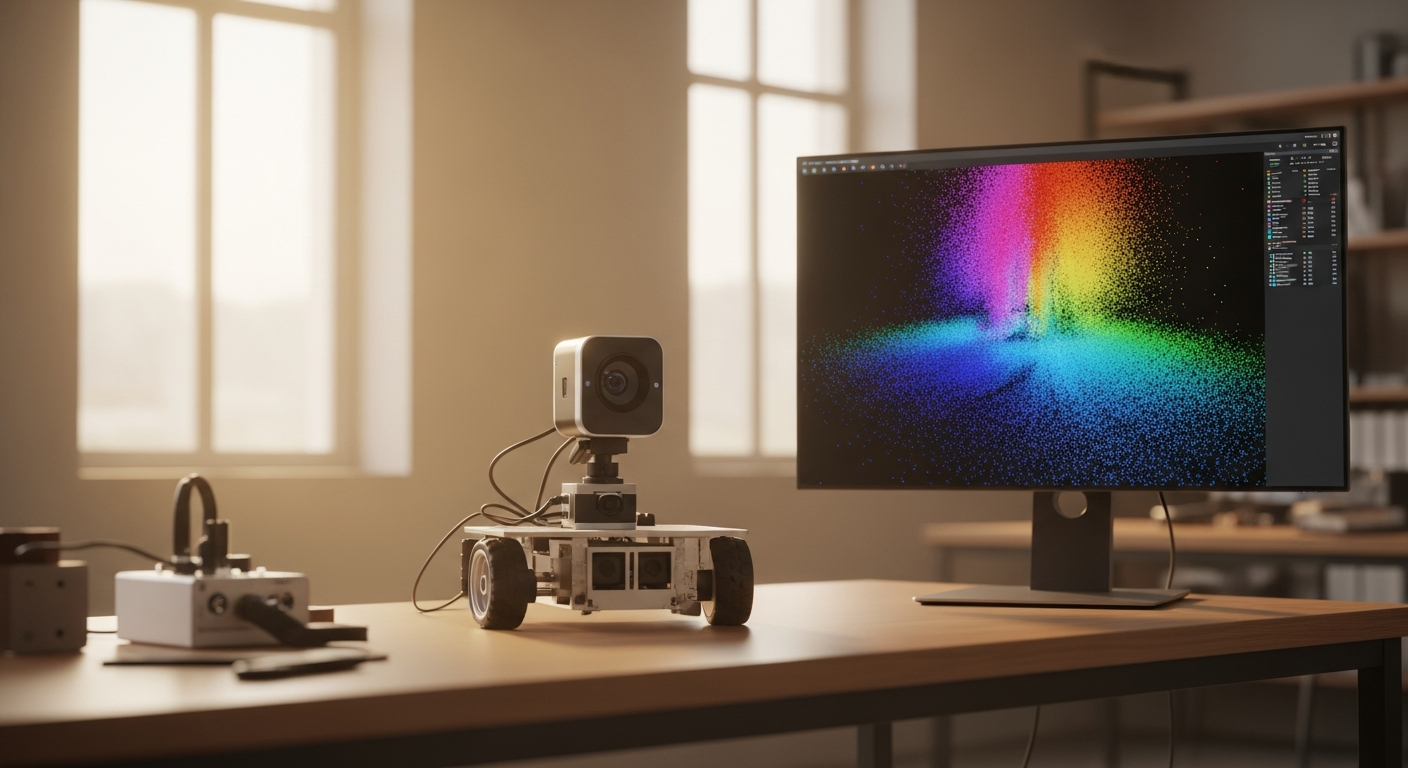
Working with Point Clouds
A 2D LiDAR scan tells you what's around your robot on one flat plane. A point cloud tells you the full 3D shape of a scene. Learn the PointCloud2 message, how to read and downsample one in Python, and how to view it in RViz2.
Object Detection with OpenCV and YOLO
Teach your robot to recognize objects in real time using OpenCV and the YOLO neural network. Runs on a Raspberry Pi with a standard USB camera.
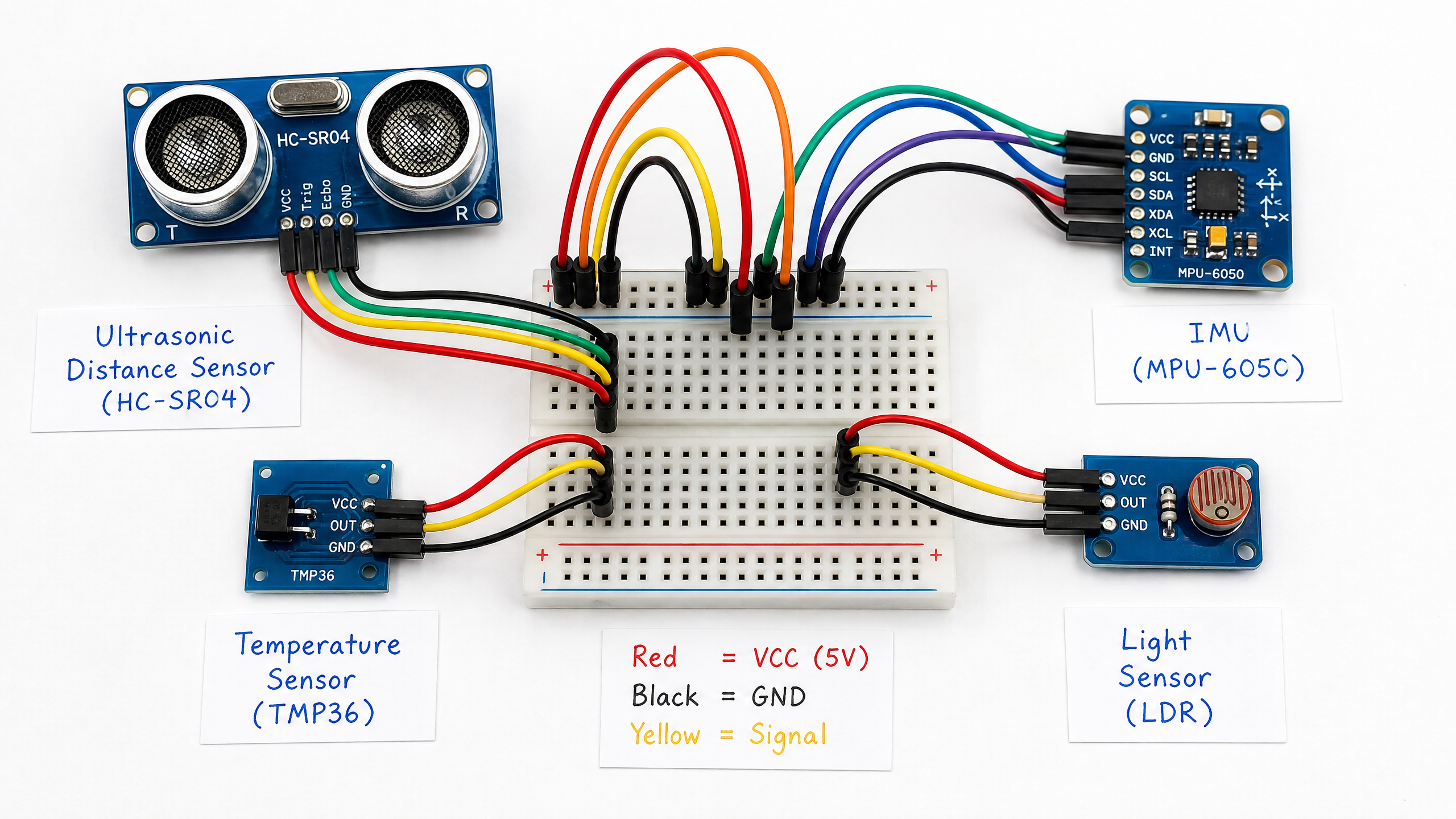
Understanding IMUs: Measuring Motion and Orientation
An IMU (Inertial Measurement Unit) tells your robot which way is up, how fast it's turning, and how it's accelerating. Here's how to use the MPU-6050 with Arduino.
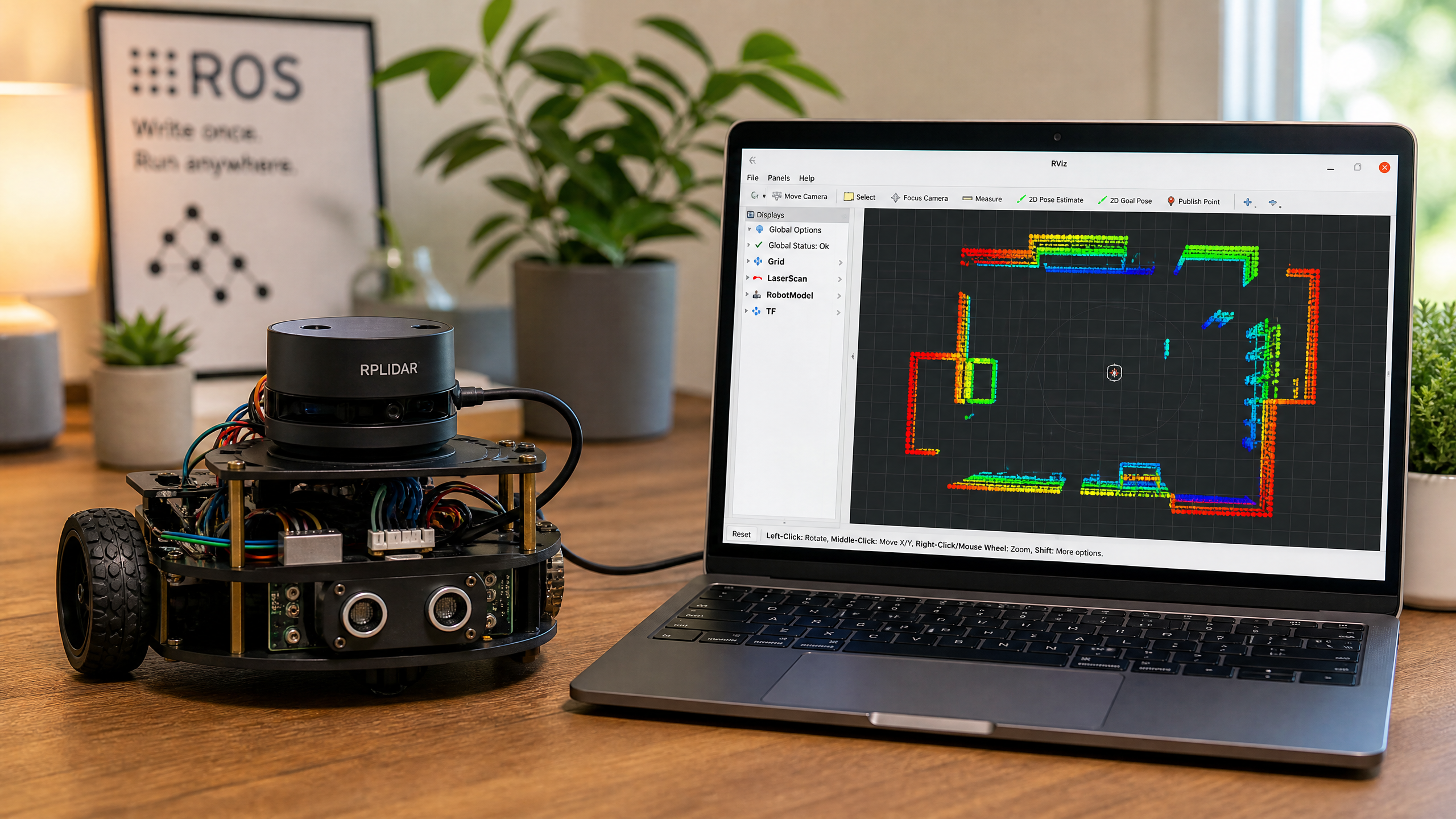
LiDAR for Robots: From Theory to Your First Scan
LiDAR gives your robot a 360-degree view of its surroundings. Learn how it works, meet the RPLIDAR A1, and see how to visualize scan data in ROS2.
Your Robot's First Sense: Ultrasonic Distance Sensors
The HC-SR04 ultrasonic sensor is one of the most useful tools in a beginner's kit. Learn how it works, how to wire it up, and how to use it for obstacle avoidance.
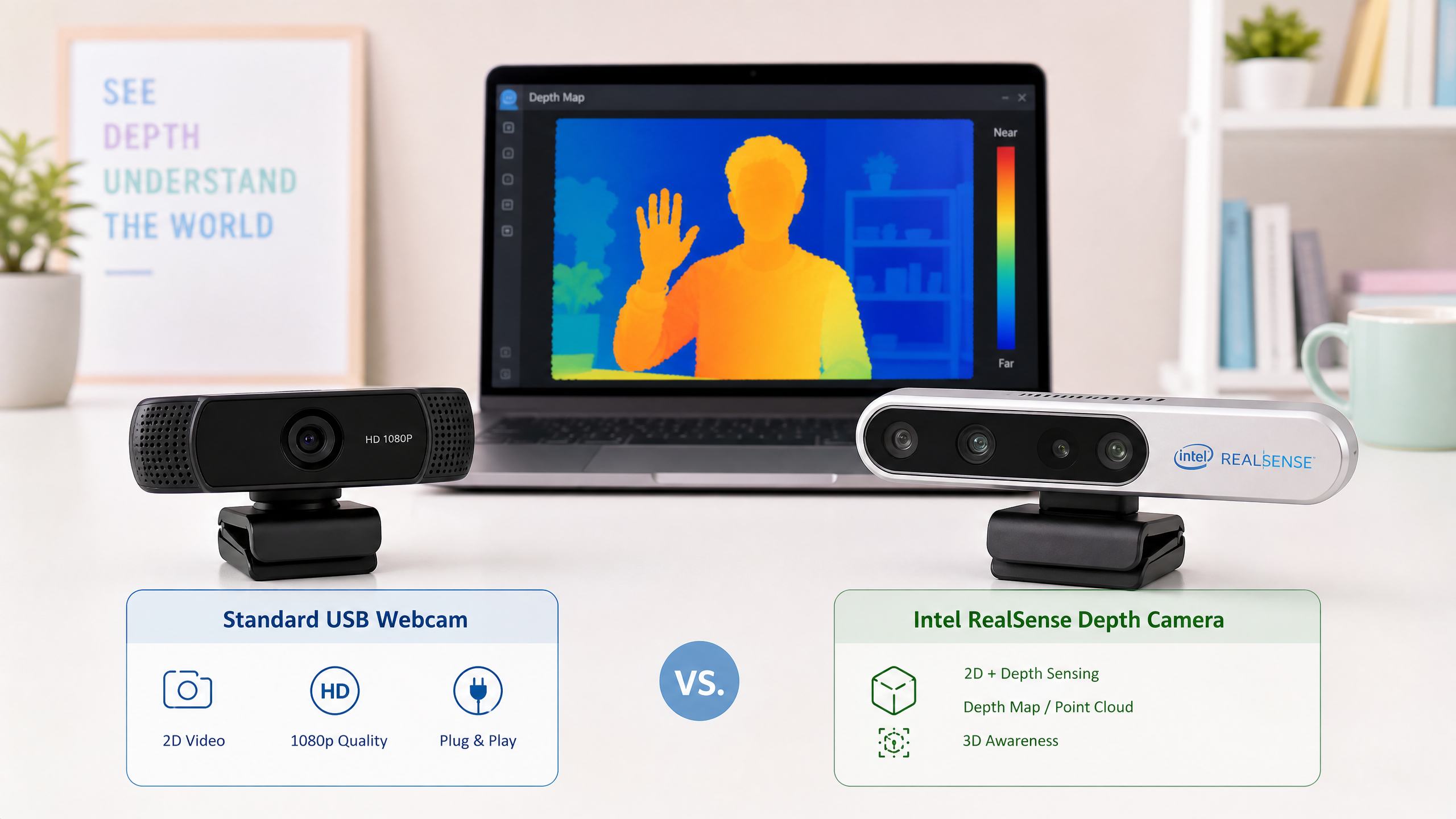
Seeing the World: 3D Cameras vs 2D Cameras
What's the difference between a standard webcam and a depth camera? When does your robot need to see in 3D? This guide breaks down the options clearly.
Software & AI
ROS2, reinforcement learning, simulation environments
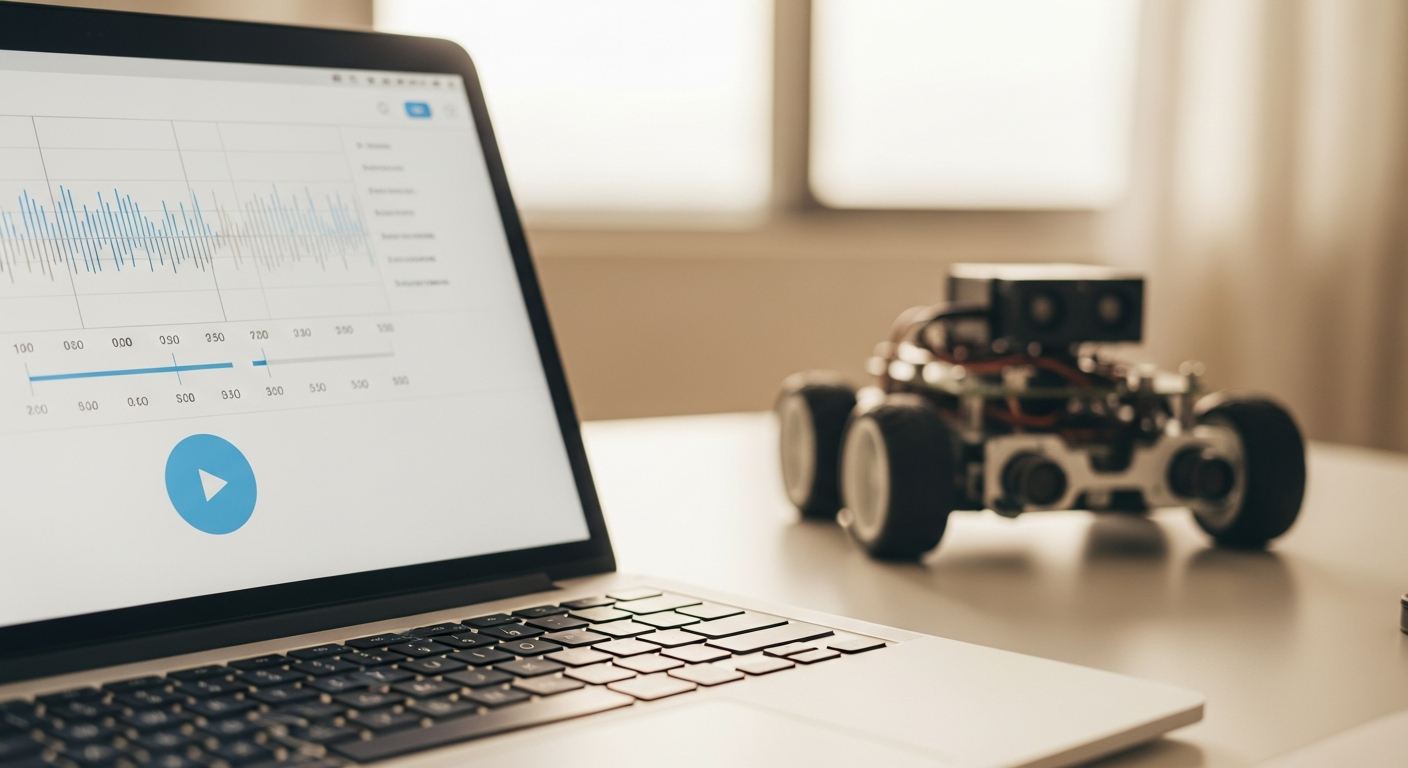
Recording & Replaying Data with rosbag2
Testing on live hardware every time you tweak a line of code is slow and sometimes dangerous. Learn rosbag2: how to record everything your robot's topics say, replay it on demand, and use it to debug and test without touching real hardware.
ROS 2 Lifecycle Nodes & Composition
Plain nodes start running the instant they exist, in whatever order happens to win the race. Learn lifecycle nodes for deterministic startup and shutdown, and composition for running many nodes in a single process.
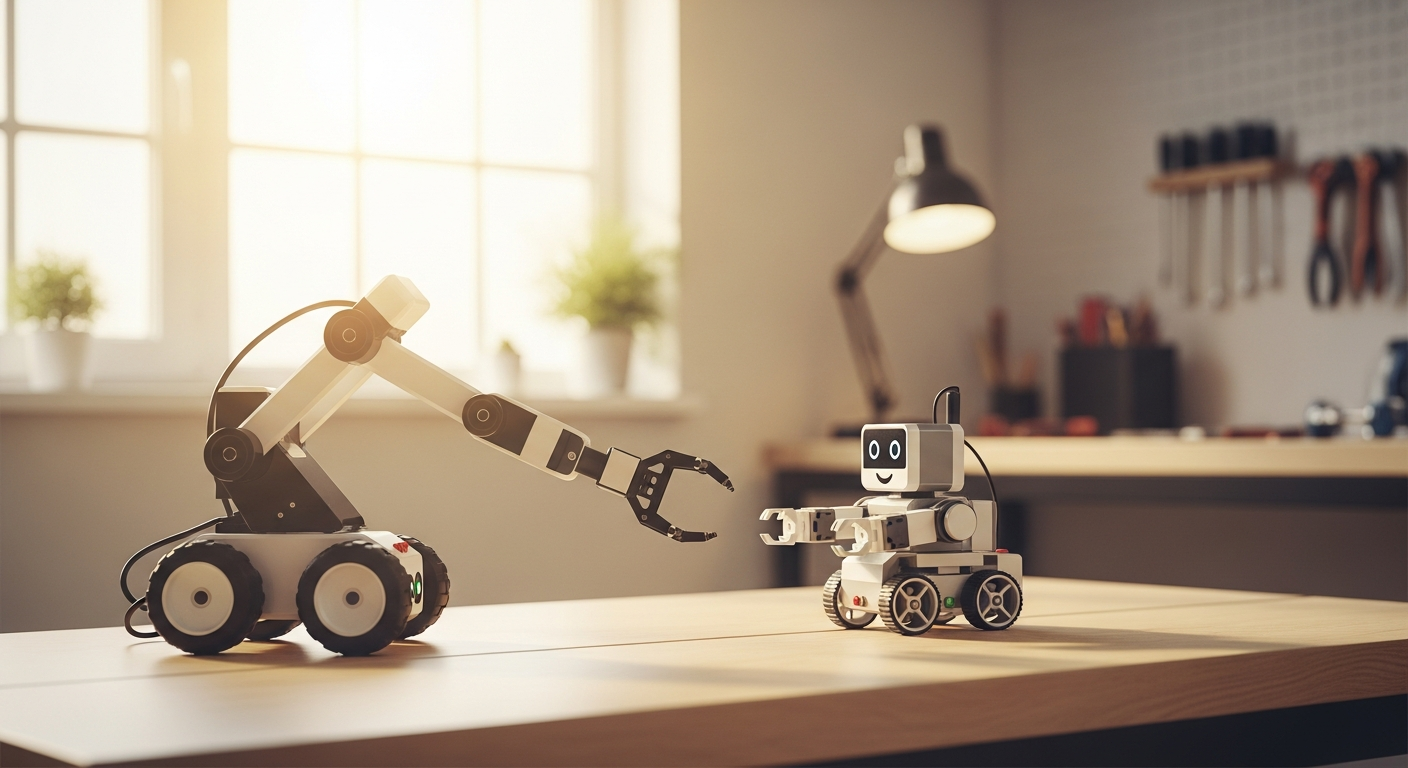
ROS 2 Services and Actions
Topics are great for streaming data, but not every interaction is a stream. Learn when to reach for a service (quick request/response) versus an action (long-running task with feedback), and how to write both in Python.
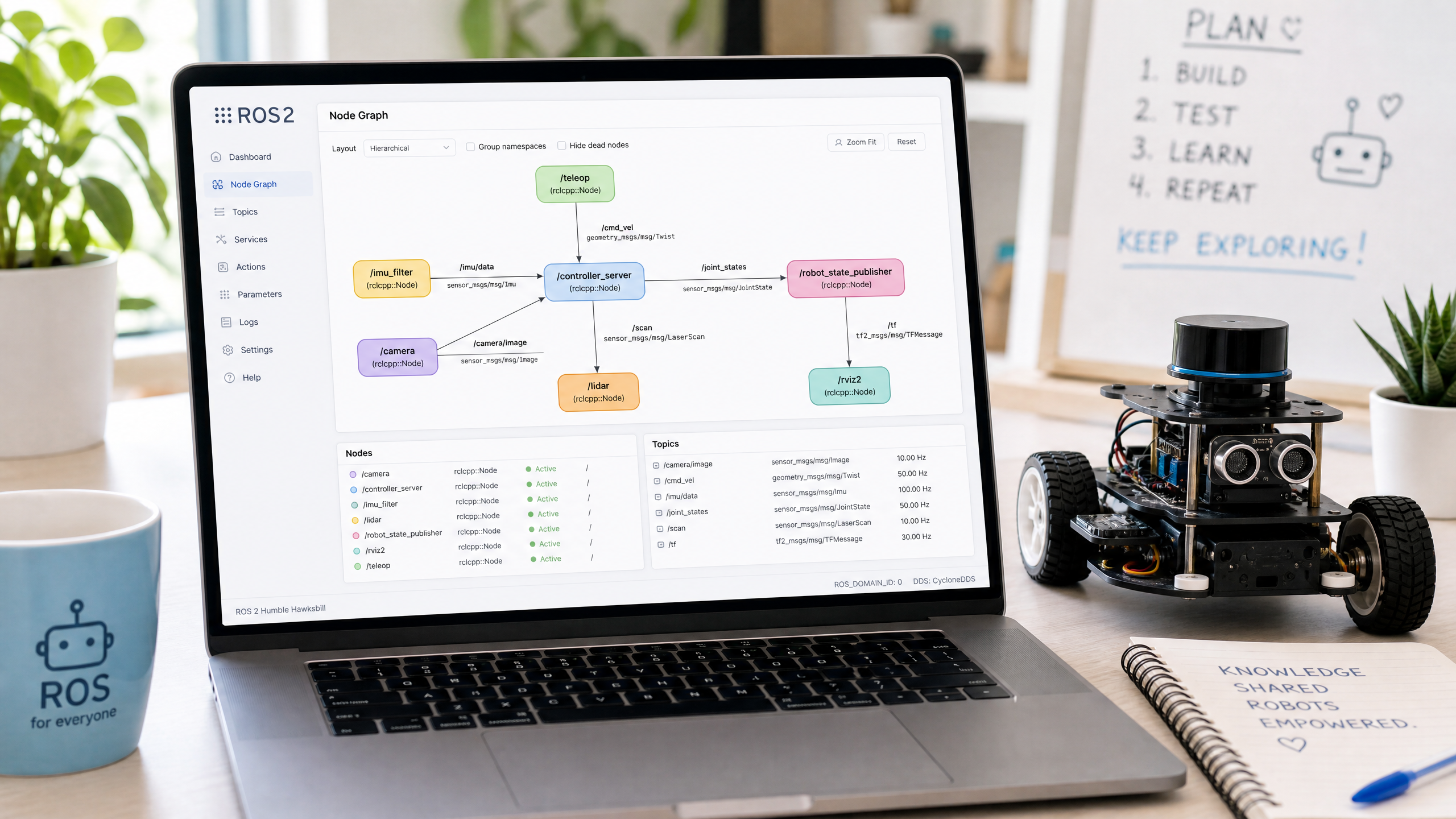
ROS 2 Launch Files & Parameters
Launching one node at a time gets old fast. Learn to write Python launch files that start your entire robot stack with a single command, then use parameters to tune behavior without touching code.
Understanding TF2: Coordinate Frames in ROS2
TF2 is the ROS2 library for tracking coordinate frames. Understanding it is essential for any robot that needs to know where things are in 3D space.
SLAM: Building a Map While You Navigate
Simultaneous Localization and Mapping (SLAM) is how robots build a map of an unknown environment while keeping track of their own position within it.
ROS2 Navigation Stack: Autonomous Mobile Robots
The Nav2 stack gives your robot the ability to navigate autonomously from point A to point B, avoiding obstacles along the way. Here's how to get started.
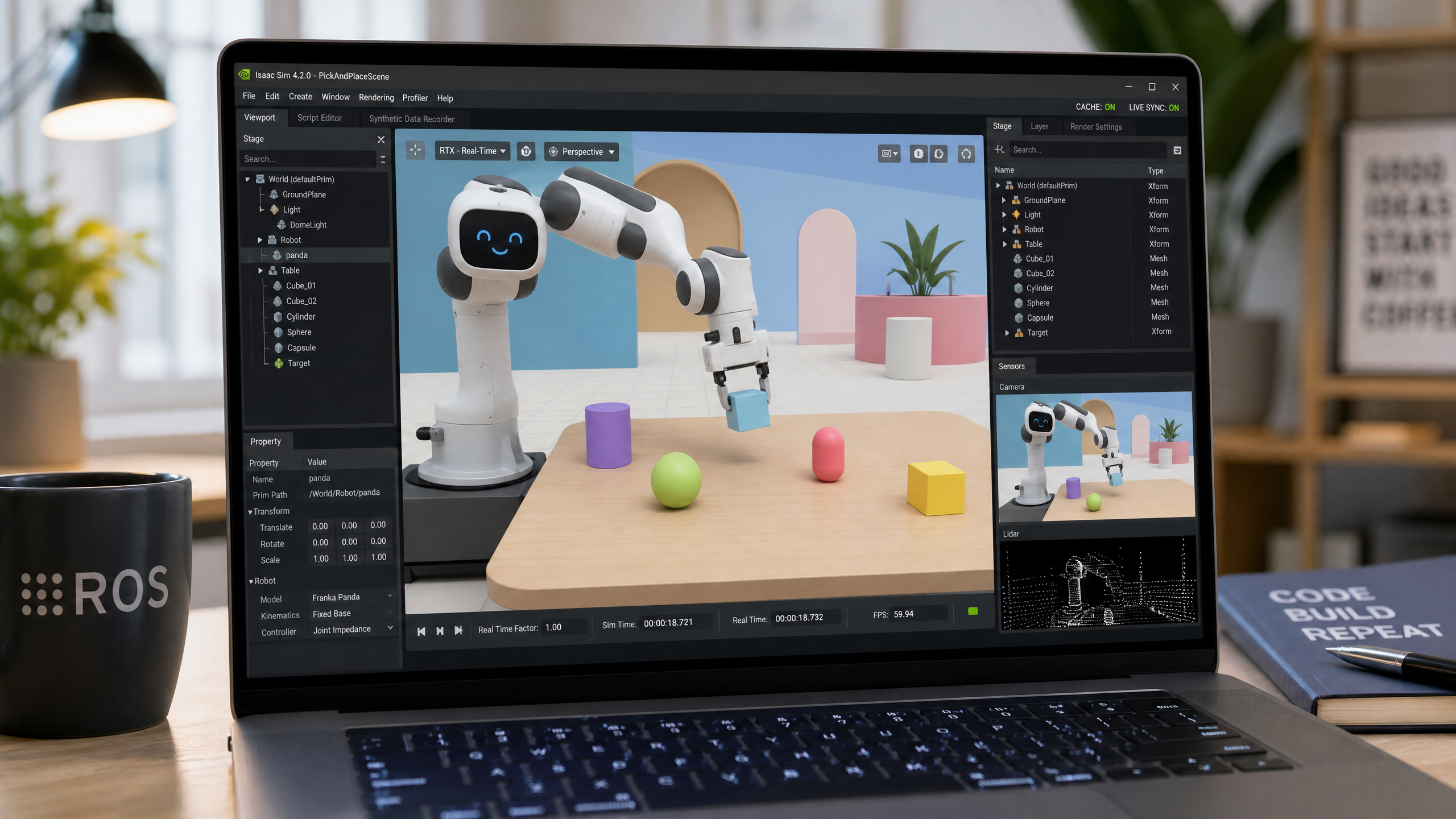
Simulating Your Robot Before Building It: An Introduction to Gazebo
Simulation lets you test your robot software without risking expensive hardware. Learn how to set up Gazebo with ROS2 and simulate a simple differential drive robot.
Getting Started with ROS2: Your First Node
ROS2 is the standard middleware for serious robotics. This guide explains what it is, why it matters, and walks you through installing it and writing your first publisher and subscriber.
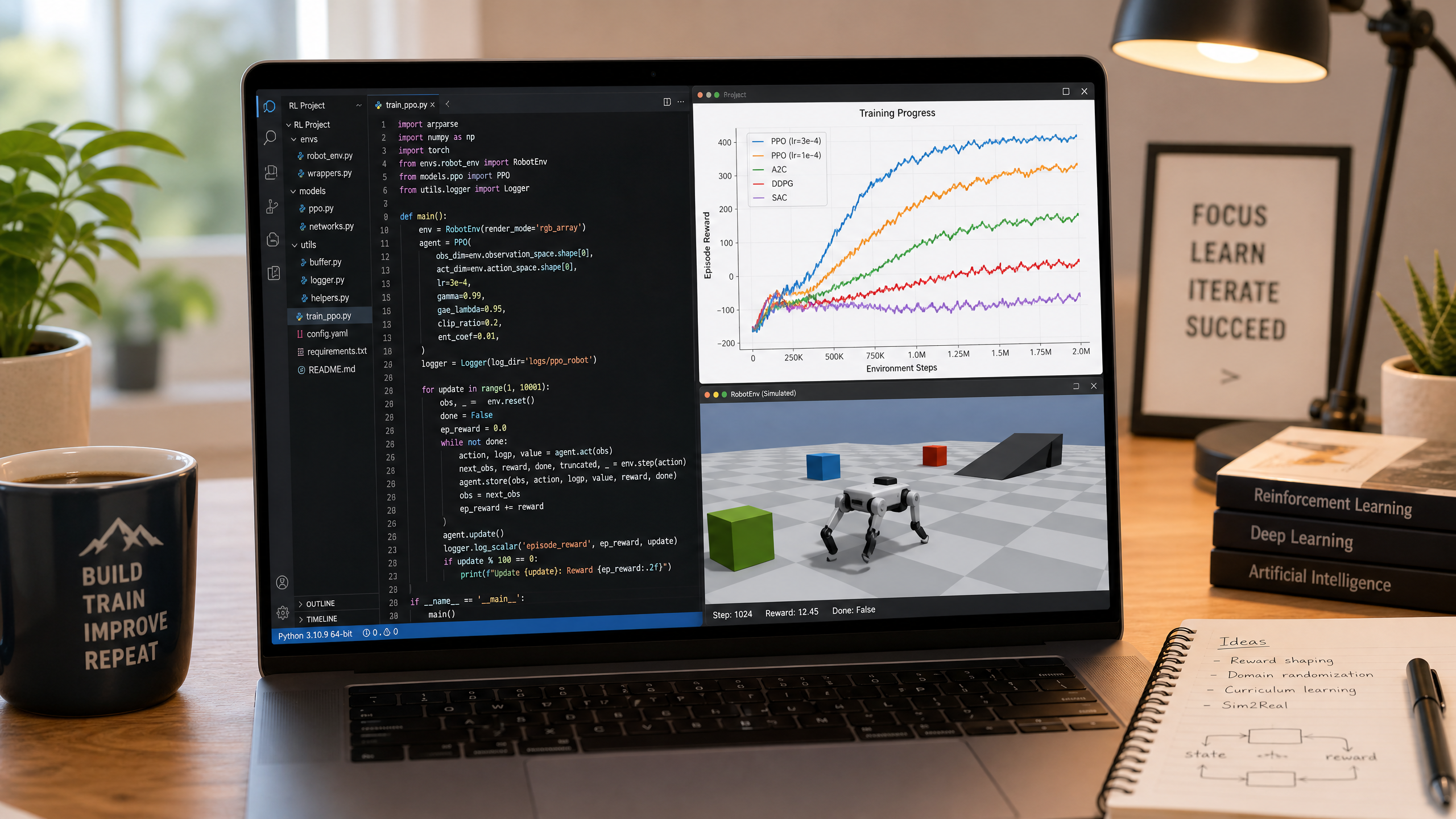
Choosing the Right Reinforcement Learning Framework
Stable Baselines3, Ray RLlib, or something else? This guide explains what reinforcement learning is, when it's useful for robotics, and how to choose and get started with the right framework.
Mechanics & Build
Motors, 3D printing, chassis design, power systems
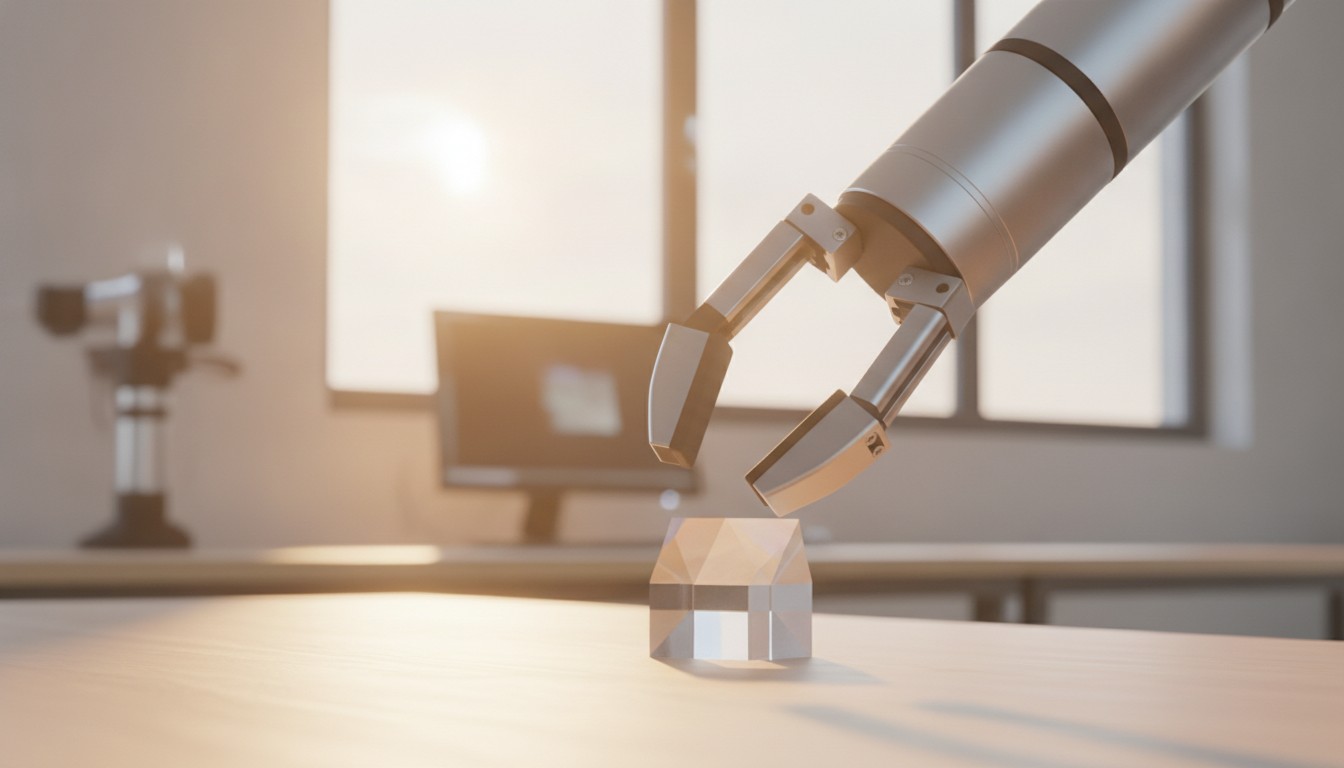
Robot Grippers & End Effectors
A robot arm that can move anywhere is still useless without a hand. Learn the four families of grippers, how ROS 2 commands them as an action, and the pitfalls that make a gripper drop, crush, or ignore what it's holding.
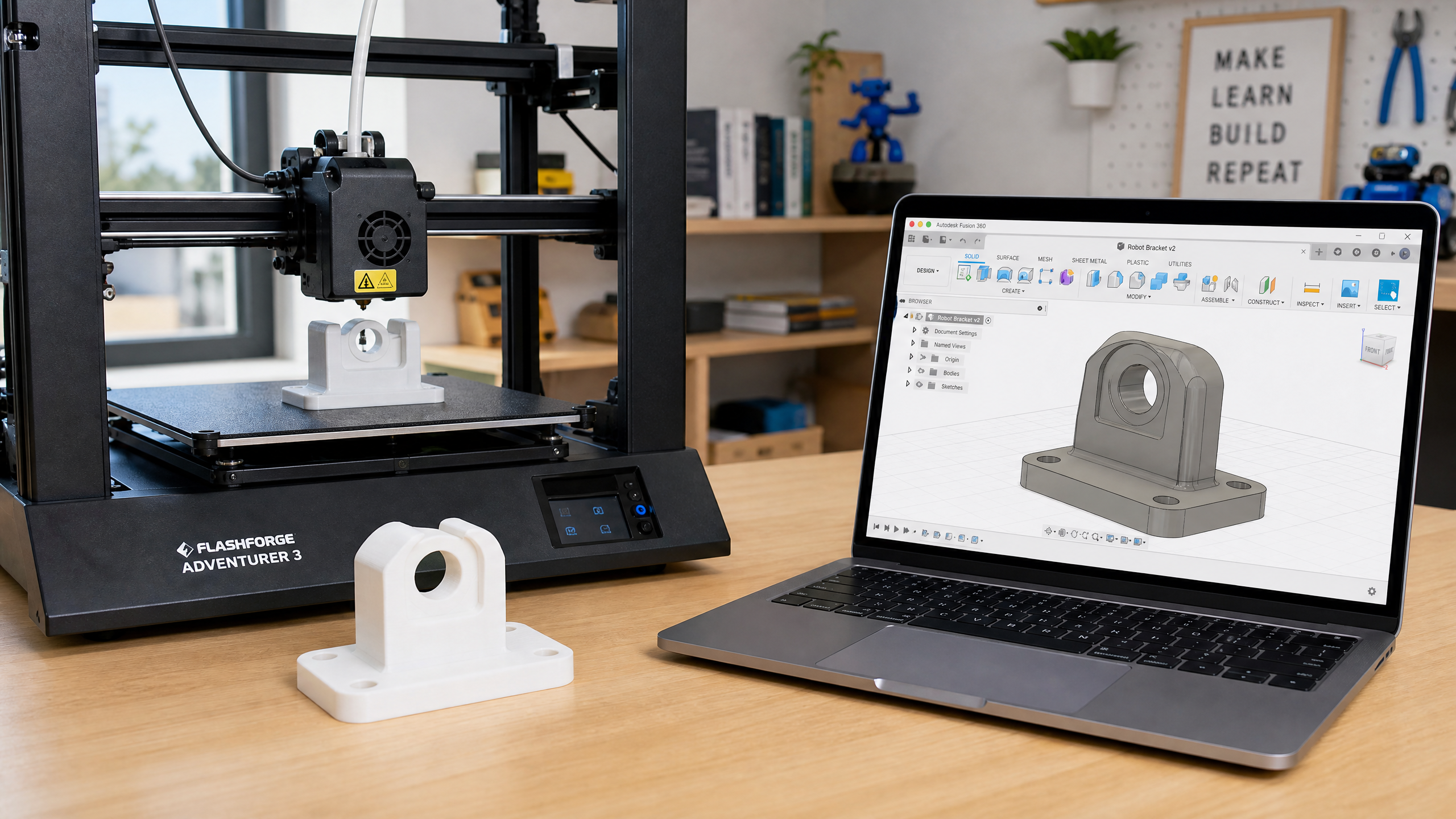
Designing Your First Robot Chassis
The chassis is the skeleton of your robot. Learn the key design decisions — wheel configuration, center of mass, motor mounting — that determine how well your robot moves.
Servo Motors: Precise Position Control for Robot Joints
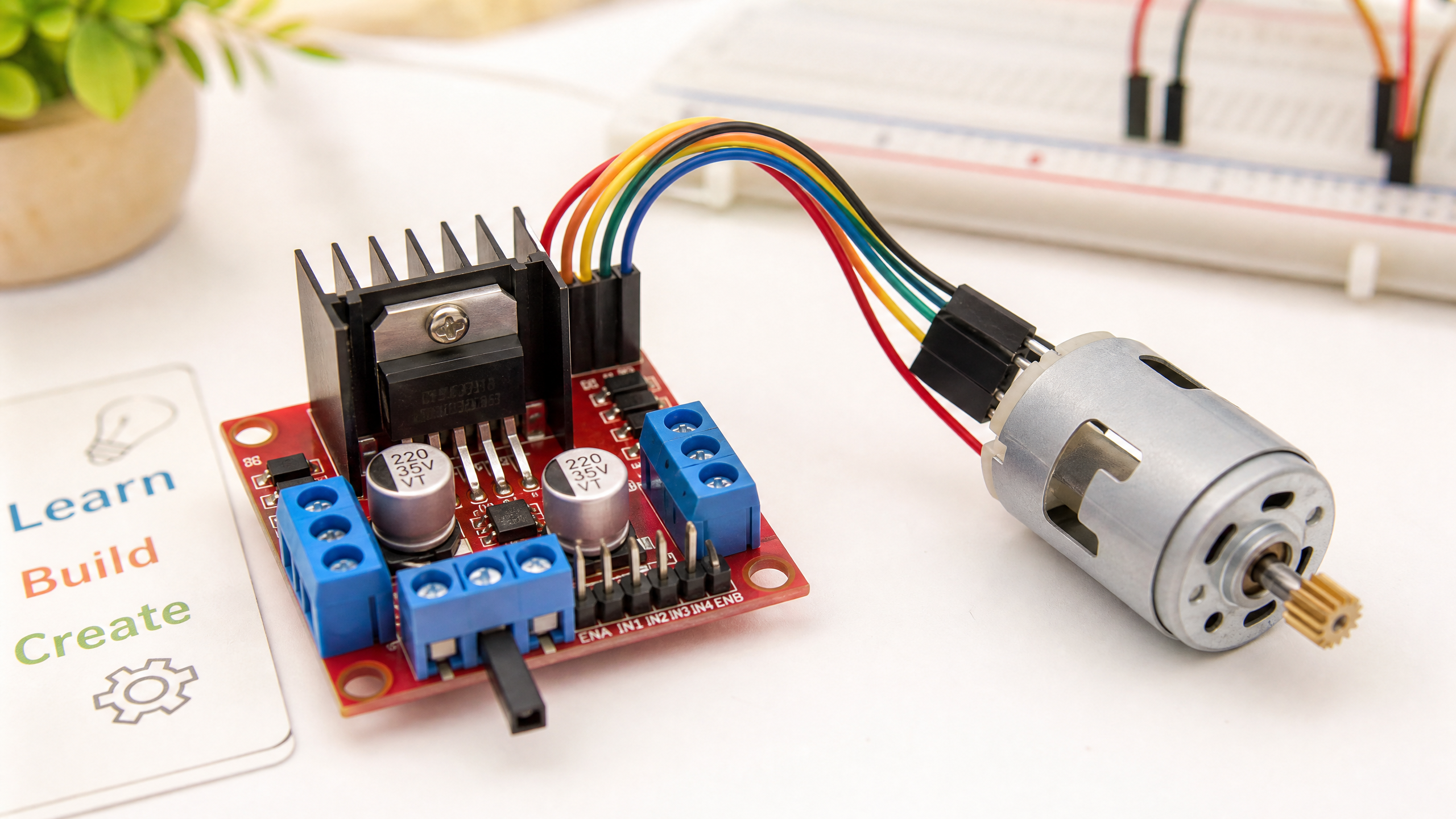
Servo motors are the joints of a robot. Learn the difference between hobby servos and industrial servo systems, and how to control them with PWM.
Powering Your Robot: Batteries, Regulators, and Power Distribution
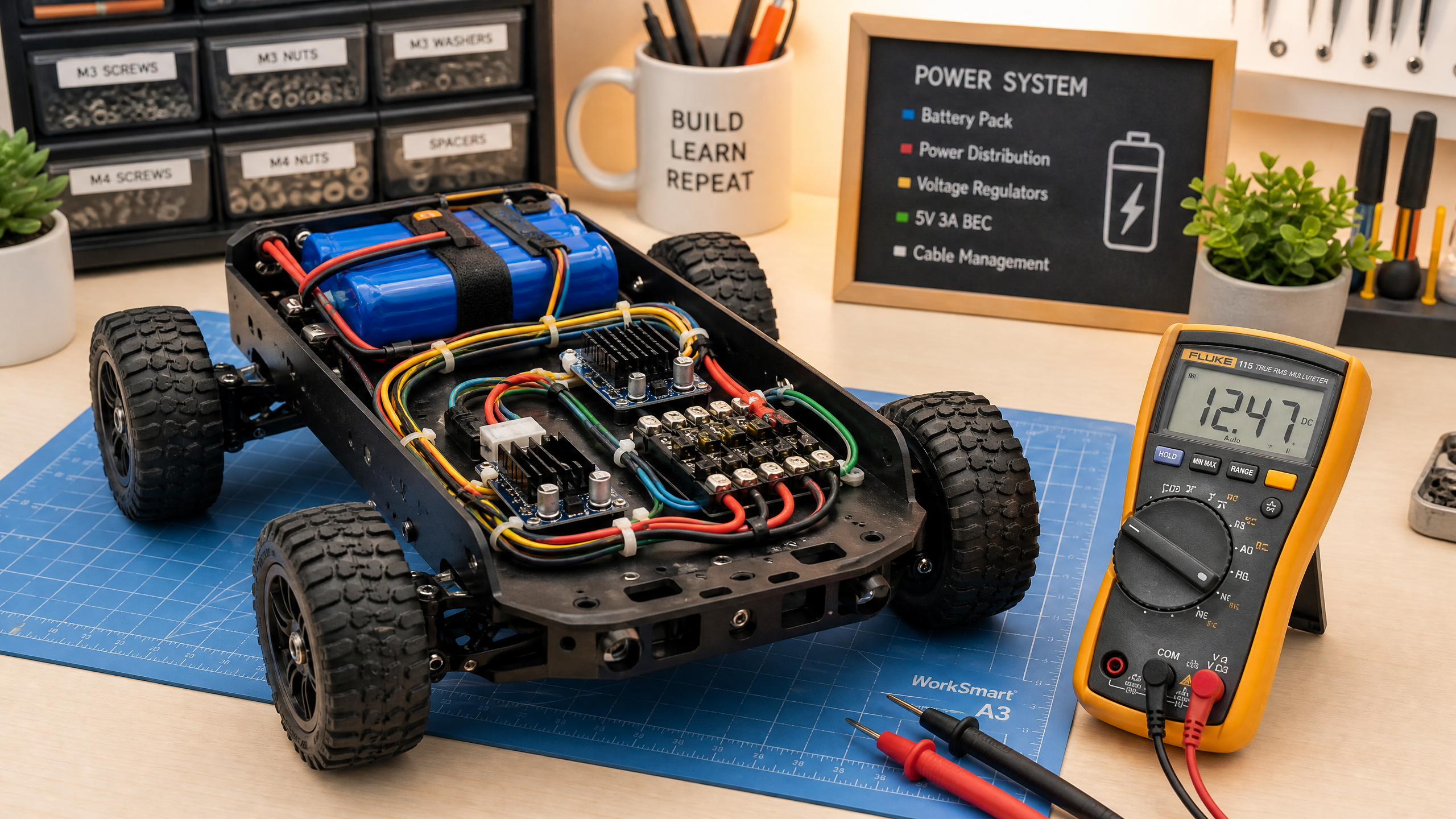
Power is one of the most overlooked aspects of robot design. Get it wrong and your robot behaves erratically or damages itself. This guide covers everything you need to know.
3D Printing Robot Parts: From CAD to Physical Component
3D printing has transformed robotics by making custom parts accessible to everyone. Learn the basics of designing and printing parts for your robot.
Making Things Move: A Beginner's Guide to Motor Drivers
You can't connect a motor directly to a microcontroller. Here's why, and how motor driver ICs like the L298N bridge the gap — with working Arduino code.
Control Systems
PID controllers, feedback loops, motion planning
Nav2 Costmaps & Local Planners
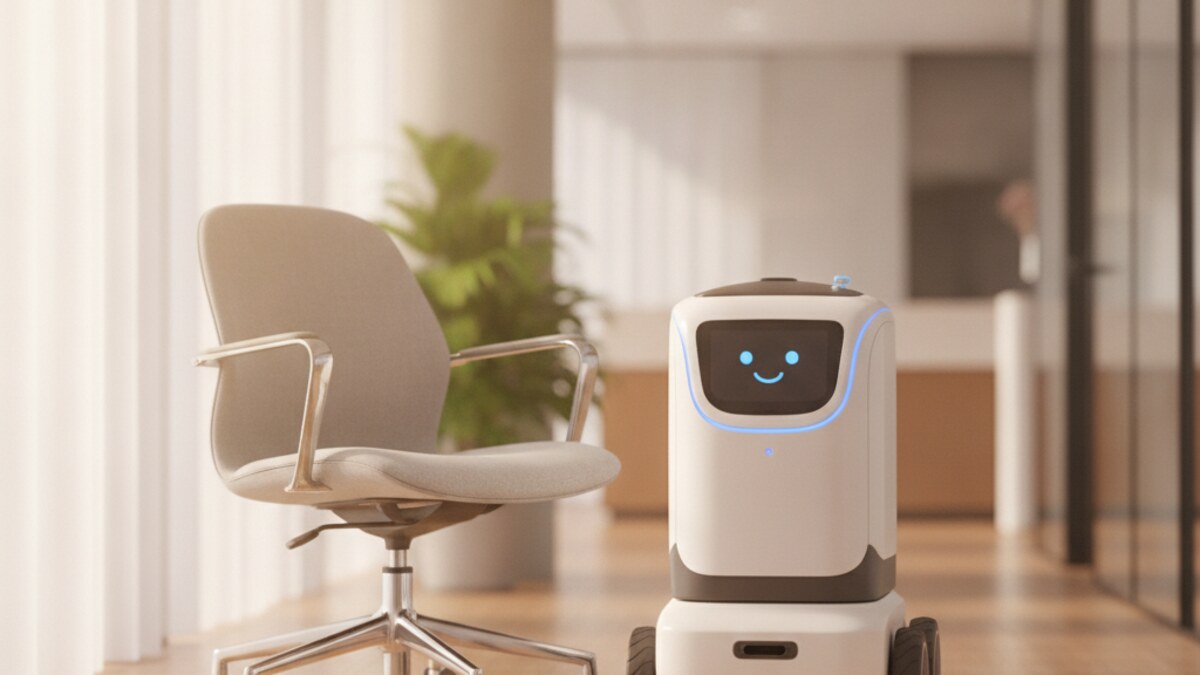
How Nav2 turns a map and live sensor data into a grid of costs, and how the local controller uses that grid to follow a path without bumping into things.
Grasping: From Detection to Pick-and-Place
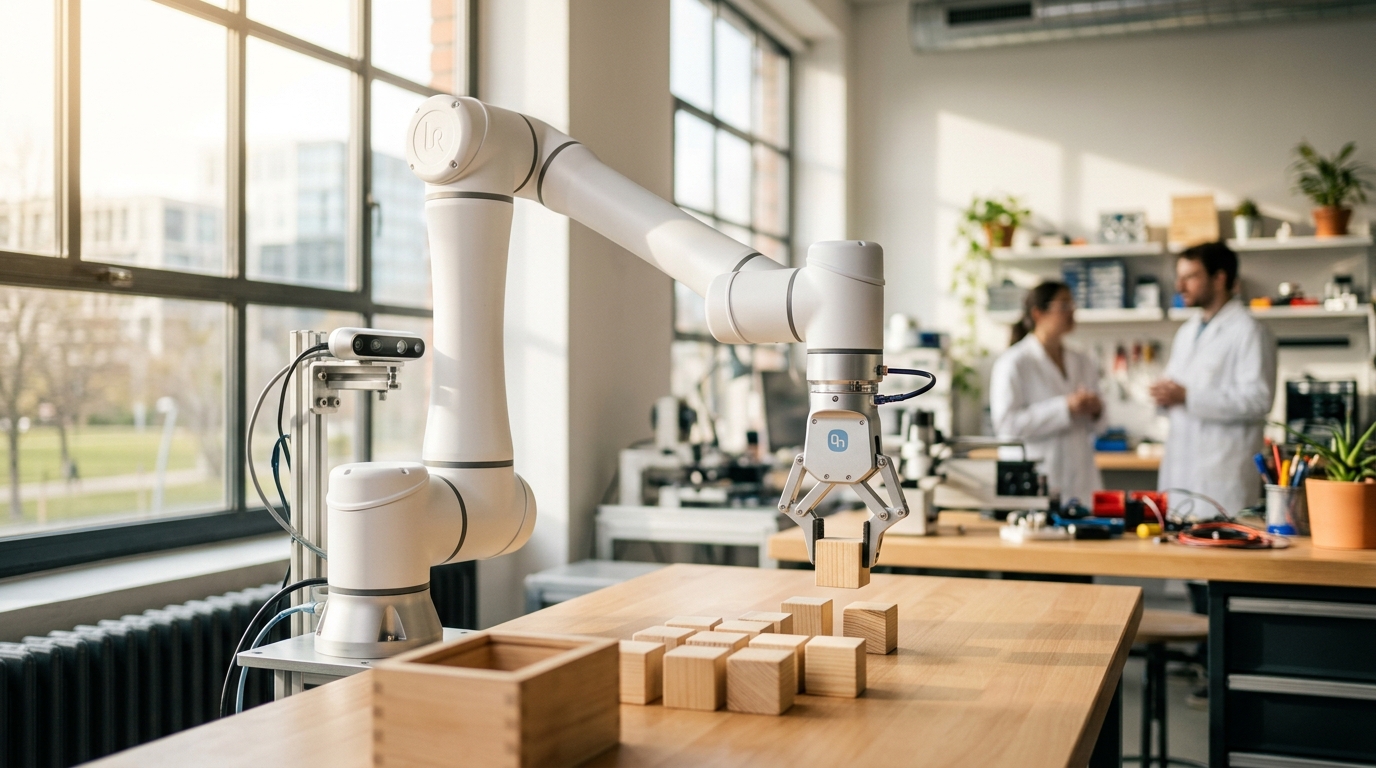
Seeing an object and planning a path are only two links in the chain. Learn how a grasp pose bridges perception and motion, and how MoveIt Task Constructor stitches approach, grasp, lift, and place into one plan.
Motion Planning with MoveIt 2
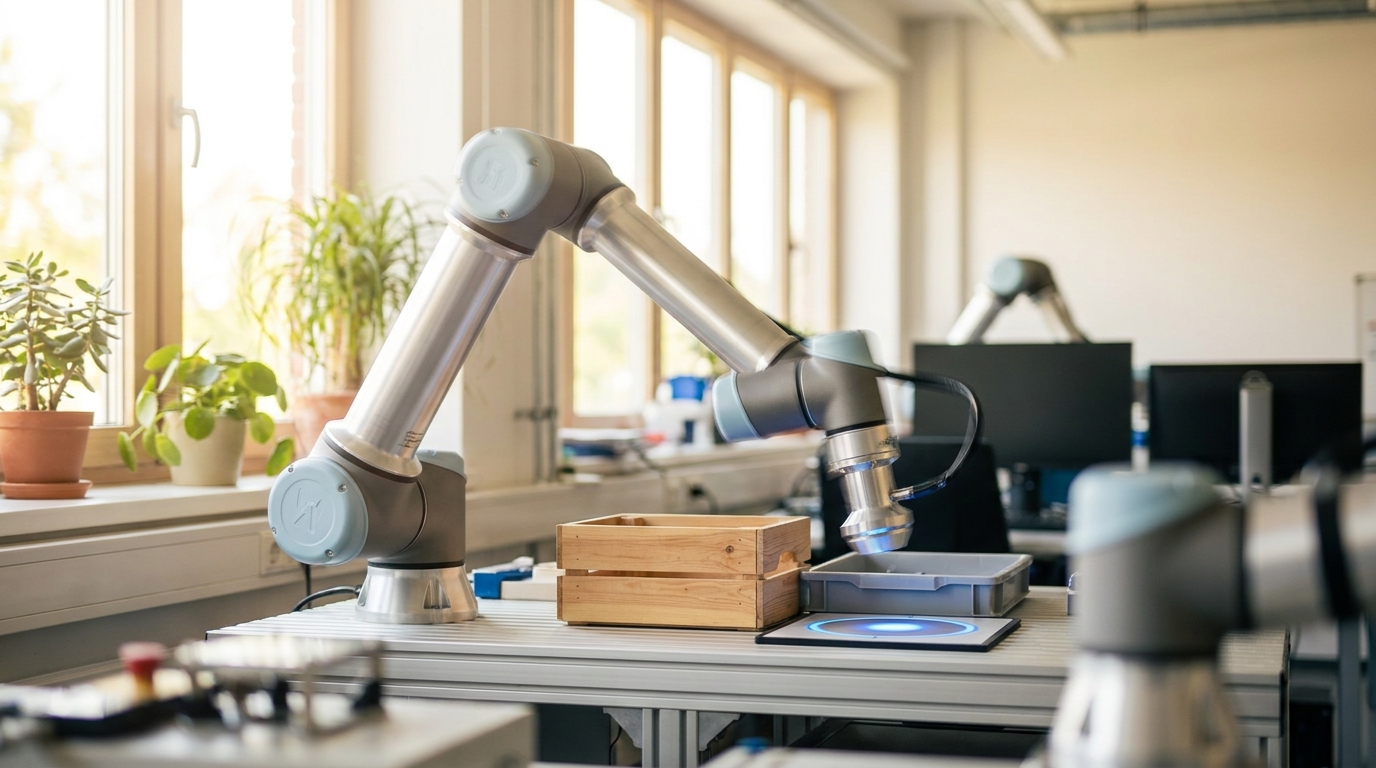
Getting joint angles for a target pose is only half the job — the arm still has to travel there without hitting itself or anything else. Learn how MoveIt 2's planning pipelines turn a goal into a safe trajectory.
Inverse Kinematics with MoveIt 2
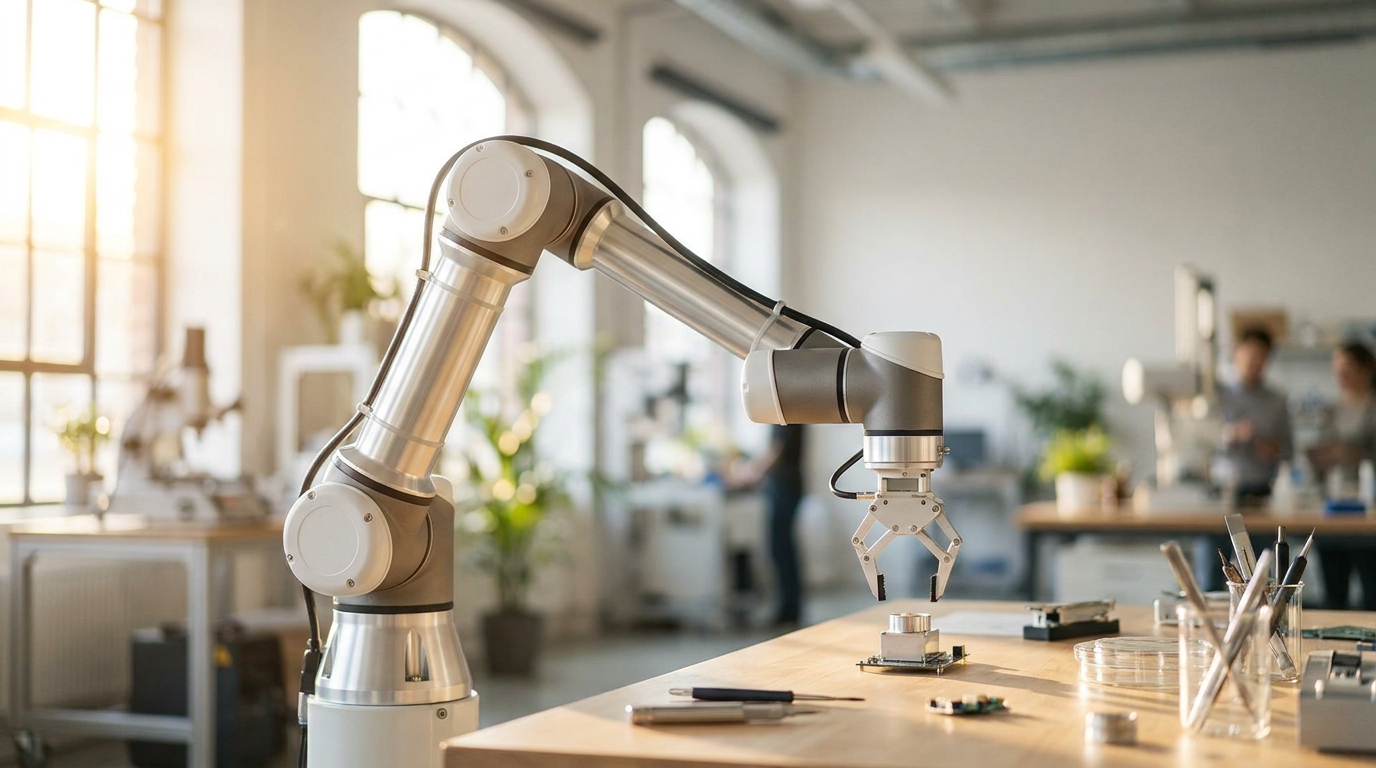
You know where you want a robot arm's fingertip to end up — but the motors only understand joint angles. Learn how MoveIt 2 solves that gap for you, and how to call it from your own ROS 2 code.
Robot Arm Kinematics: How Arms Know Where to Move
Forward and inverse kinematics are the mathematics that let a robot arm reach a target position. This guide explains the concepts without drowning you in equations.
Wheel Encoders: Knowing Where You Are
Encoders measure how far your wheels have turned, enabling odometry — dead reckoning navigation. Learn about quadrature encoders and how to read them.
PID Control: The Algorithm That Runs the World
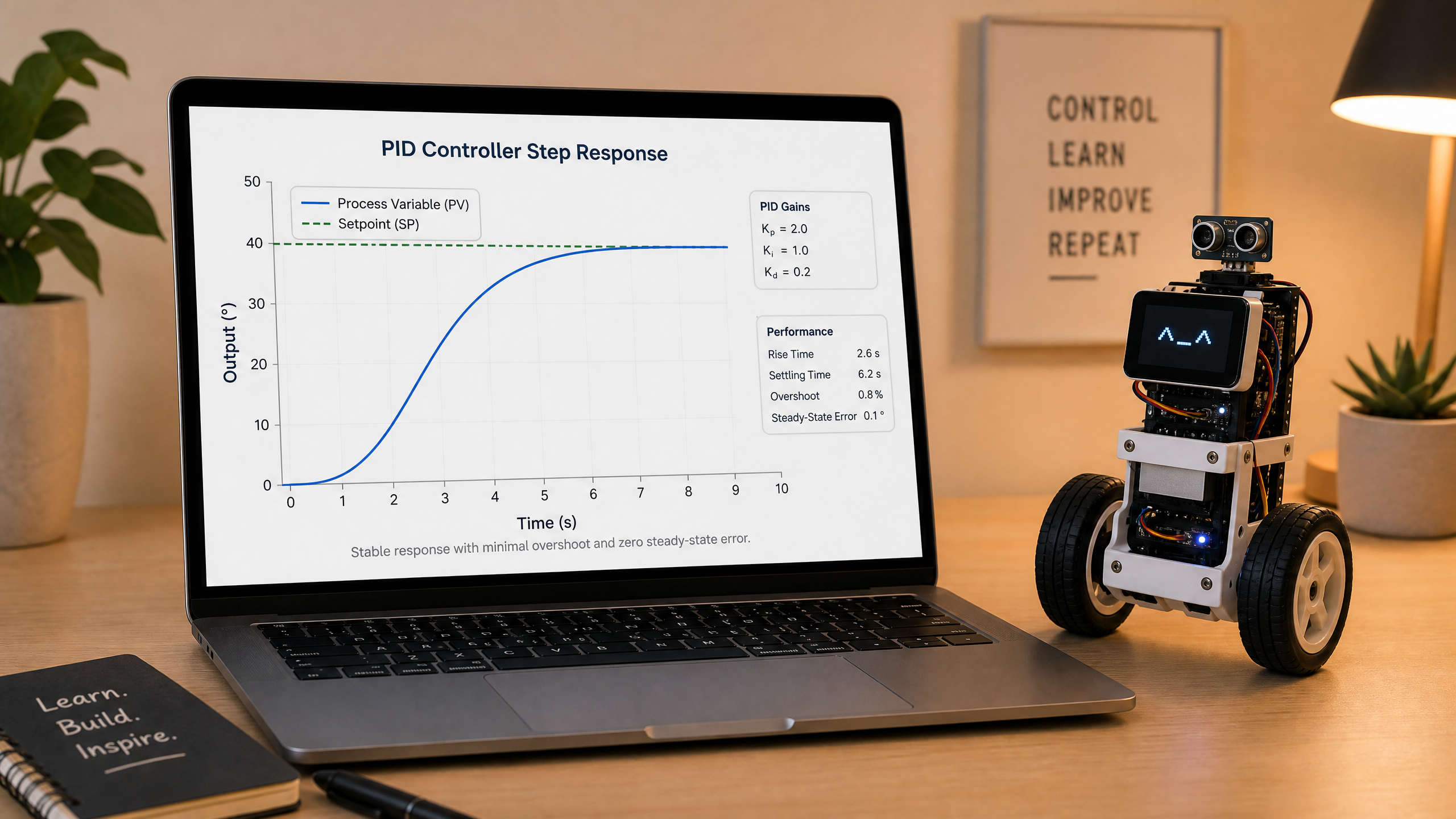
PID controllers are in everything from thermostats to spacecraft. Understanding them is essential for any roboticist. This guide explains the concept clearly and shows you how to implement one.
Robotics Dispatch
Every 4th week: the robotics news that matters, tied back to what you're learning

Dispatch #12: China Slams the Brakes on Its Humanoid IPO Boom
A month after Unitree's wild Shanghai debut, Chinese regulators are quietly freezing new humanoid robot listings — even as private money keeps flowing into the chips and data that power the robots themselves.
Dispatch #11: Unitree's $9 Billion IPO, and Beijing's World Robot Conference
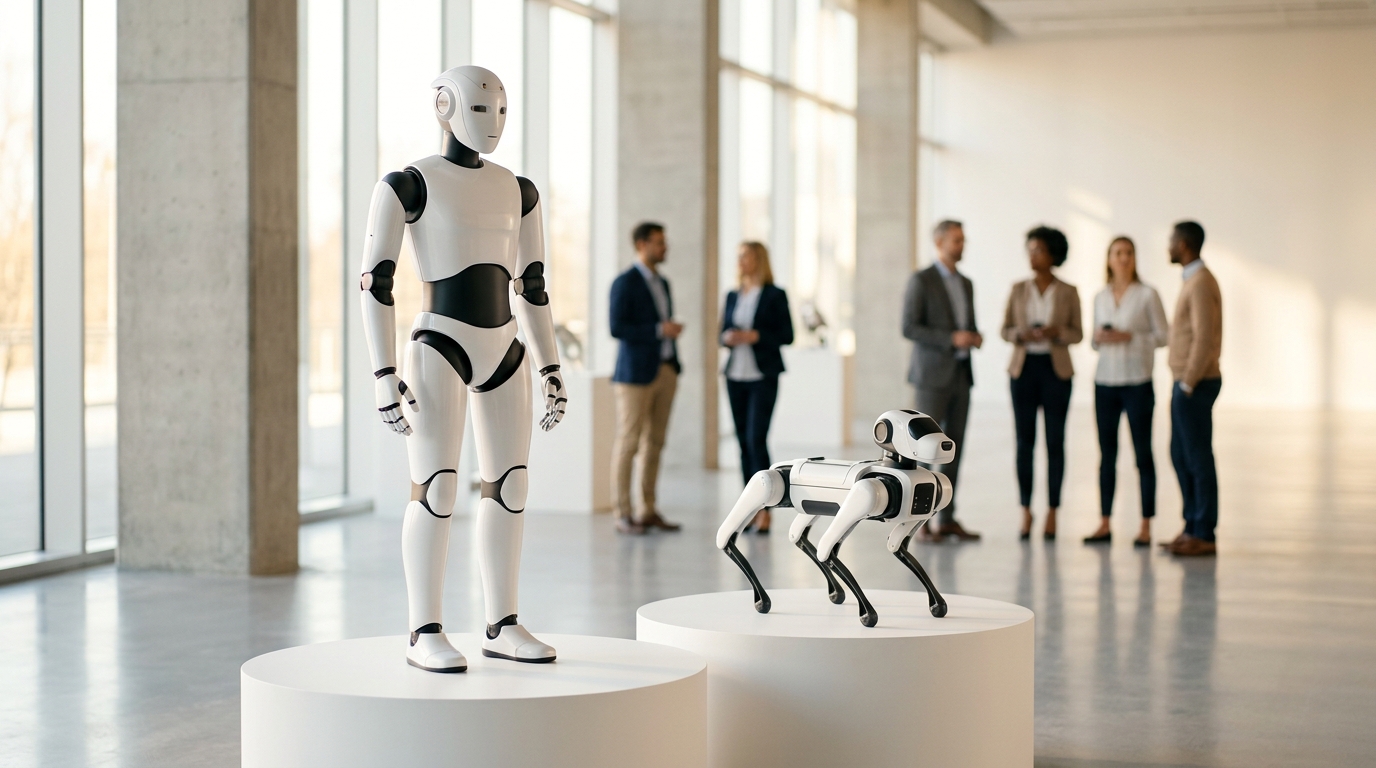
Unitree Robotics becomes the first humanoid robot maker listed on a mainland China exchange, popping 460% on debut day — timed to open right alongside the World Robot Conference and its 2,000-robot Games in Beijing.
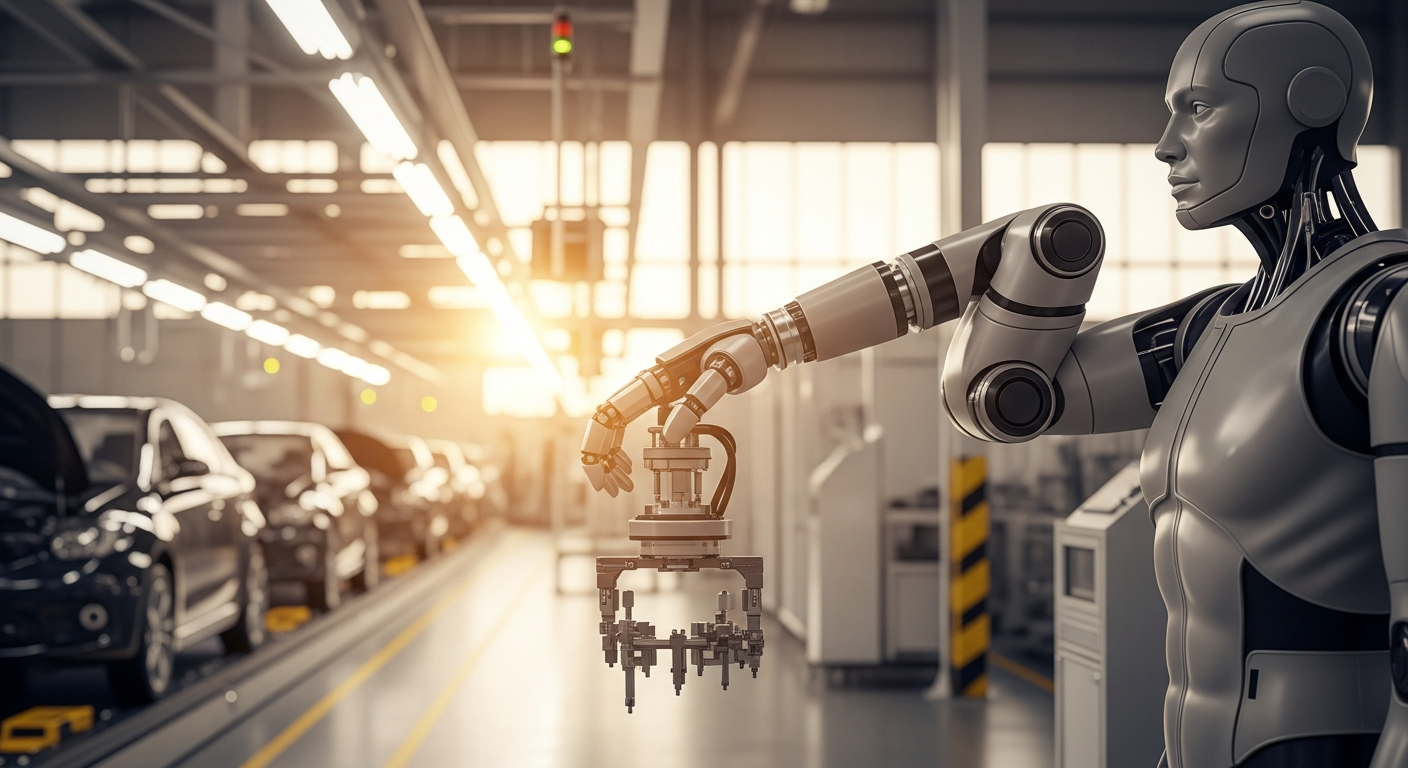
Dispatch #10: Hyundai Buys All of Boston Dynamics, Europe Gets a Humanoid Unicorn, and Tesla's Robotaxi Plateau
Hyundai takes full ownership of Boston Dynamics for $325 million, London's Humanoid becomes Europe's first pure-play humanoid unicorn, and Tesla's Florida robotaxi expansion can't hide a quarter of flat growth.
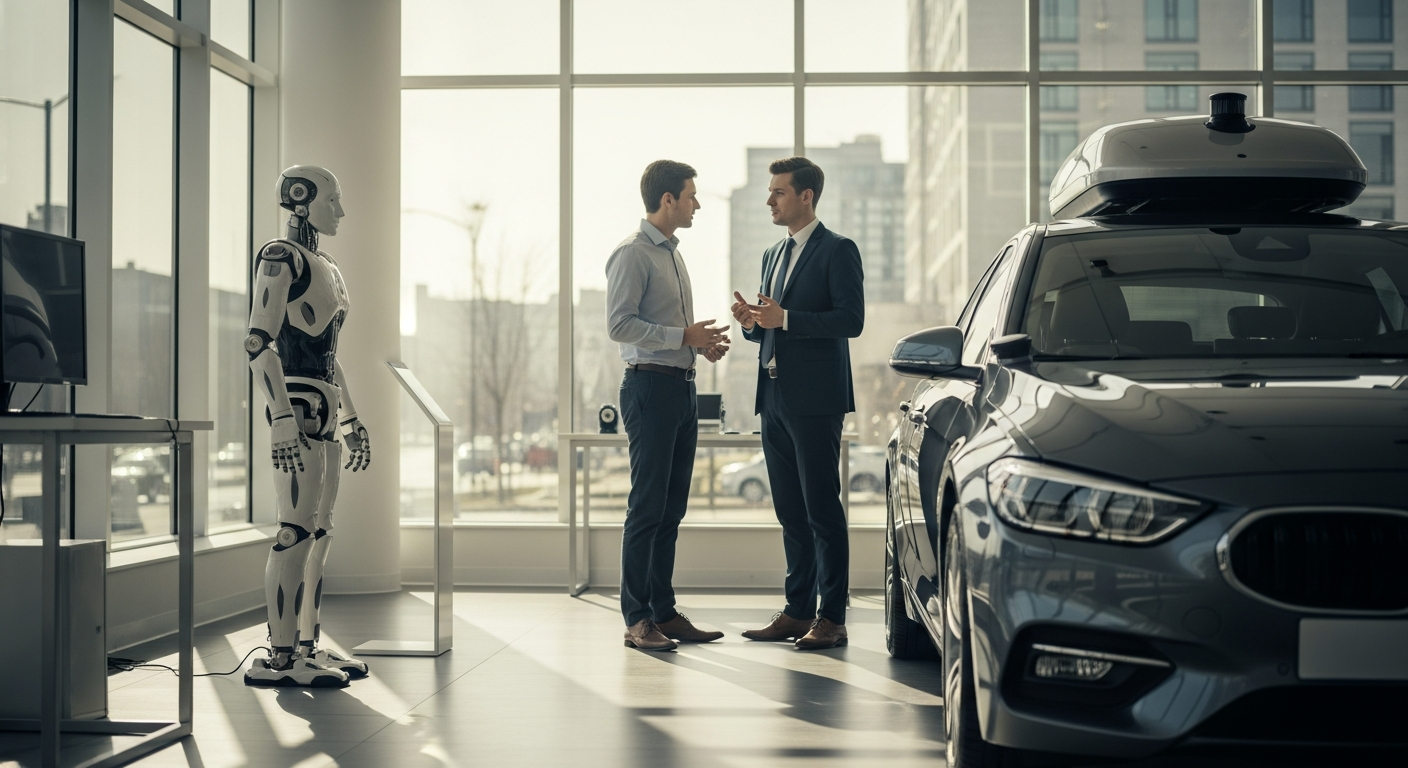
Dispatch #9: Mid-Year Reckoning — Record Humanoid Funding, China's Robotaxi Lead, and the Deployment Gap
Europe's biggest humanoid fundraise, a new robotaxi leaderboard that puts Baidu ahead of Waymo on global reach, and a sober look at where the humanoid and AV arcs actually stand at mid-2026.

Dispatch #8: The Rulebook Catches Up — Safety, Standards, and a Mid-Year Reality Check
New robot-safety standards, a whistleblower lawsuit over 'skull-fracturing' force, and a sober look at how many humanoids are actually deployed in 2026.
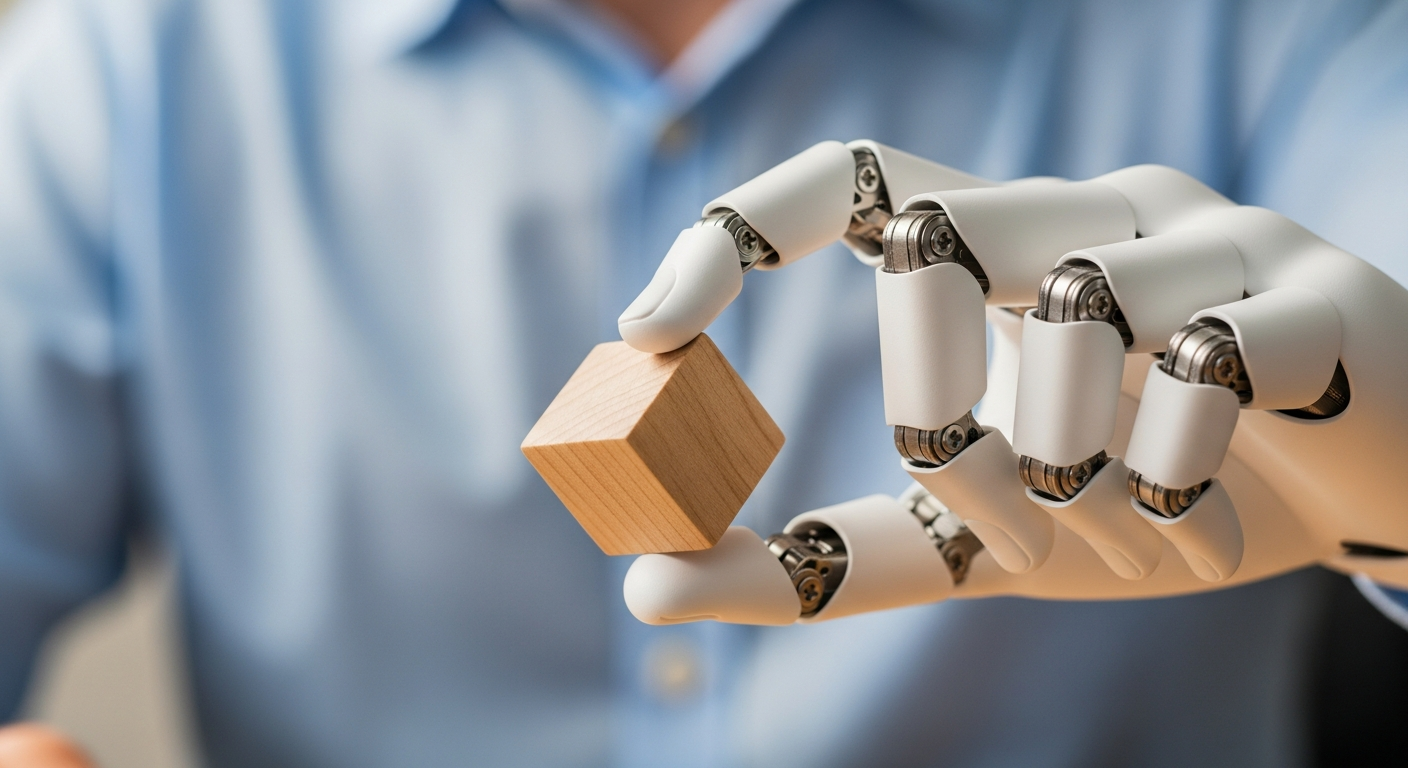
Dispatch #7: The Race for Robot Hands — and the Data to Train Them
Sanctuary AI's hand reorients a cube it was never taught on, while new manipulation models from Physical Intelligence and Generalist reframe the data bottleneck.
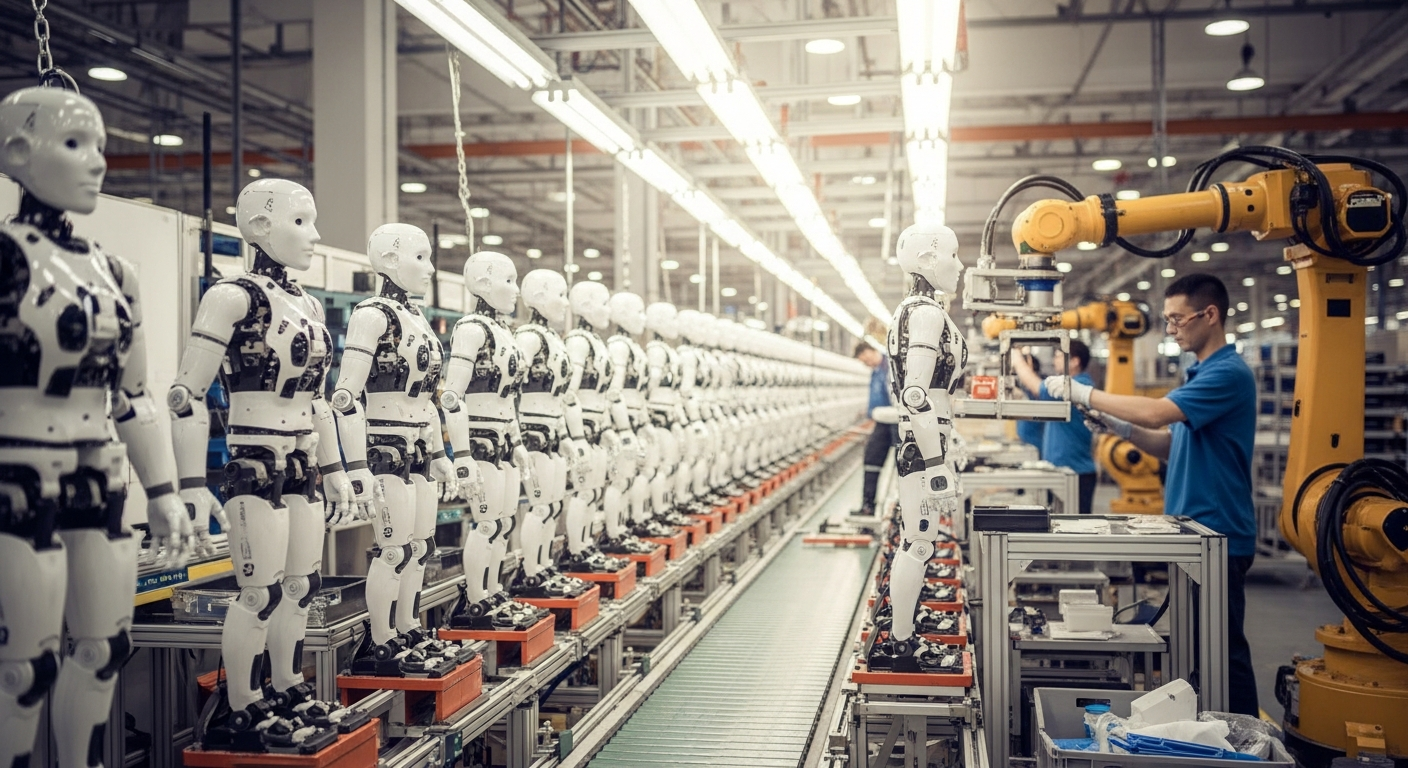
Dispatch #6: Out of the Lab
A beginner-friendly roundup of spring 2026 robotics news — humanoids leaving the demo stage for real factory pilots, plus a dexterous-hand milestone.
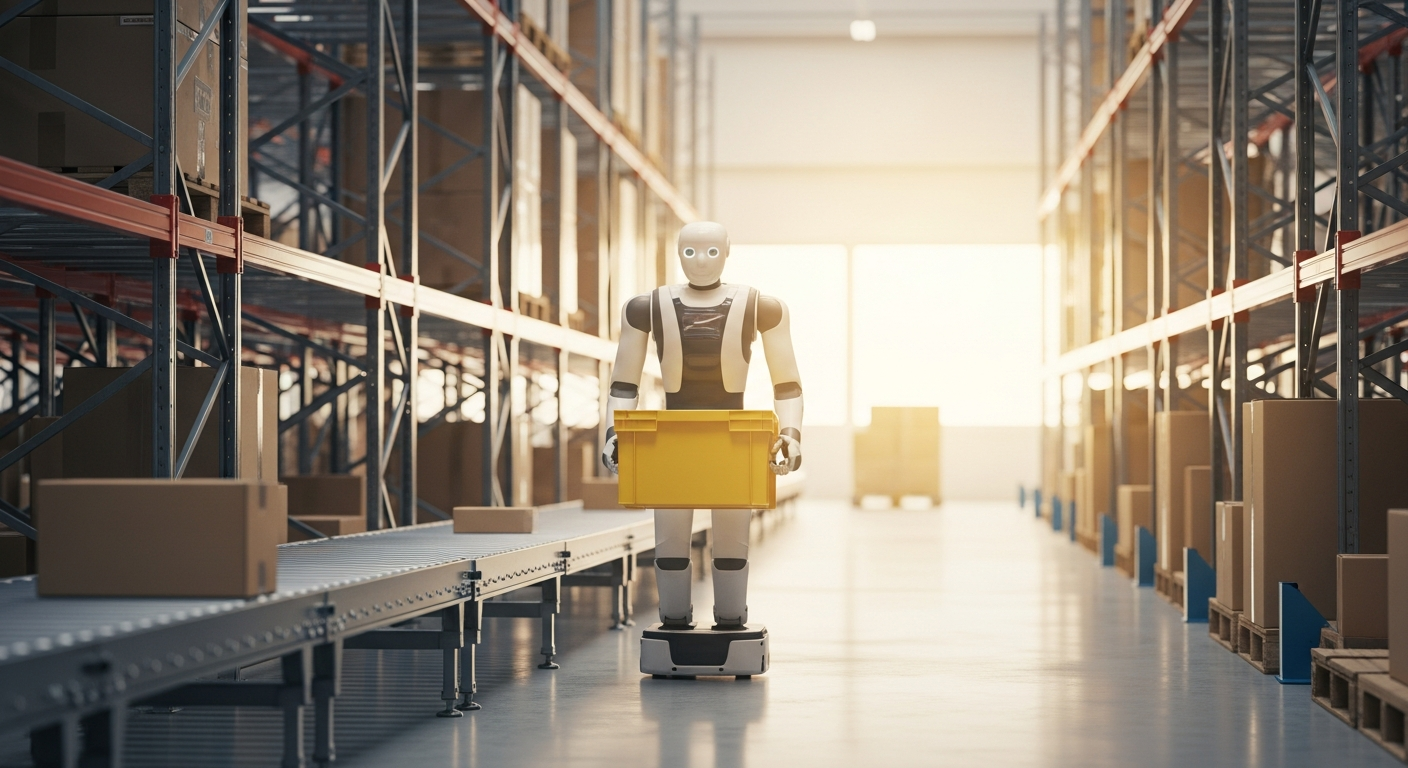
Dispatch #5: Robots on the Factory Floor
Big money is betting humanoids will work factory shifts. We unpack the Apptronik raise, Foxconn's Houston plant, and the reshoring math behind it all.
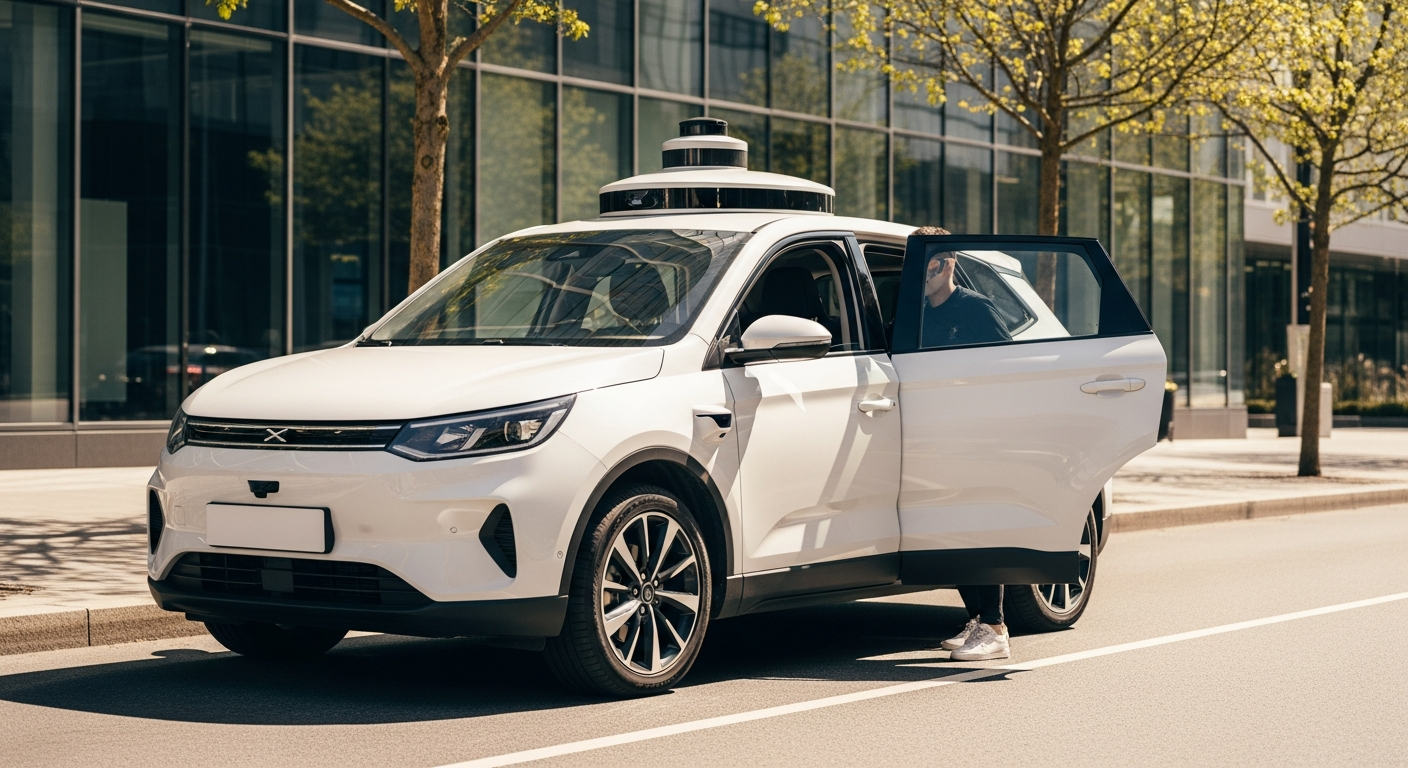
Dispatch #4: Robotaxis Raise Billions, and the Sensor Debate Heats Up
Waymo's $16B raise and Tesla's driverless Austin launch put the LiDAR-vs-camera debate back in the spotlight, just as sensor prices crater.
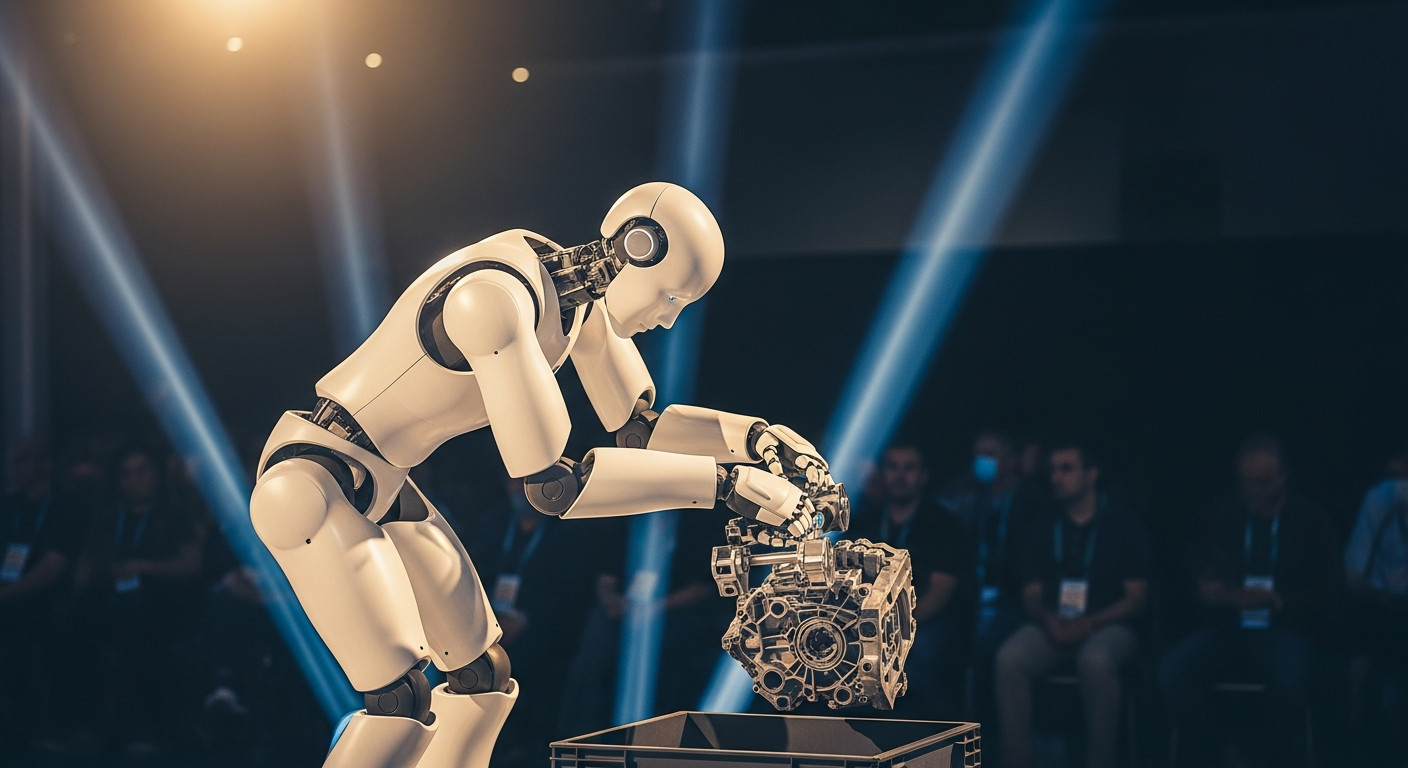
Dispatch #3: CES 2026 and the Year Humanoids Reported for Work
Our CES 2026 roundup: Boston Dynamics' electric Atlas, Nvidia's GR00T, and a wave of cheaper humanoids that are finally leaving the demo stage for real shifts.

Dispatch #2: Robots That See and Learn
A beginner-friendly roundup of late-2025 robotics news — vision-language-action models like π0.6, Gemini Robotics, and Nvidia GR00T move onto real hardware.
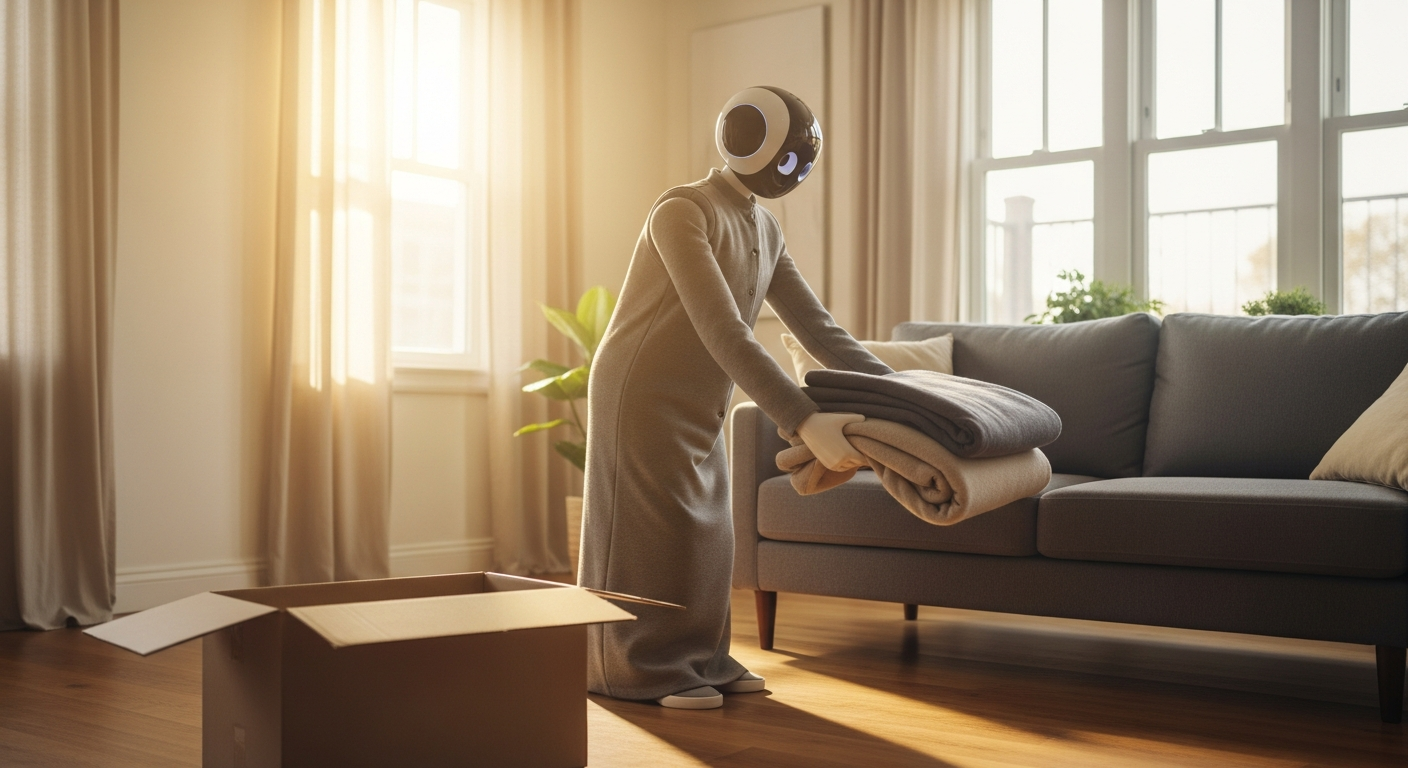
Dispatch #1: A Home Humanoid Goes on Sale, and the Money Behind It
Our first news roundup: 1X opens orders for a $20,000 home humanoid as record money pours into general-purpose robots — and why the timing isn't a coincidence.