
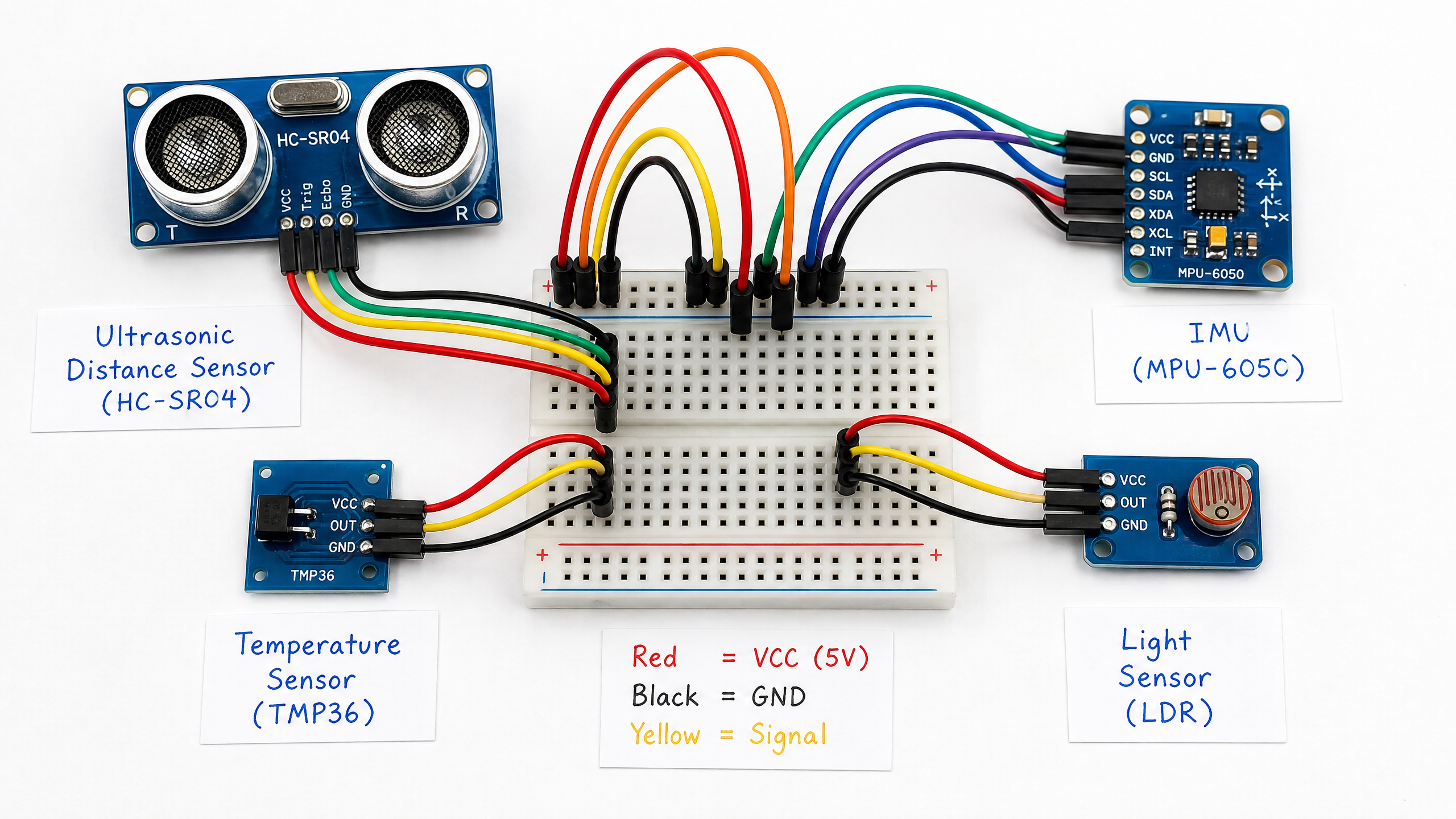
Your Robot's First Sense: Ultrasonic Distance Sensors
The HC-SR04 ultrasonic sensor is one of the most useful tools in a beginner's kit. Learn how it works, how to wire it up, and how to use it for obstacle avoidance.
Before your robot can navigate the world, it needs to sense it. The HC-SR04 ultrasonic distance sensor is the perfect first sensor: it’s inexpensive (~$2), easy to use, and gives you a reliable distance measurement up to about 4 meters.
How It Works
The HC-SR04 works like a bat’s echolocation. It emits a burst of ultrasonic sound (40 kHz, inaudible to humans), then listens for the echo. By measuring how long the echo takes to return, it calculates distance using the speed of sound.
The speed of sound in air is approximately 343 m/s (or 0.0343 cm/μs). We divide by 2 because the sound travels to the object and back.
Wiring
| HC-SR04 Pin | Arduino Pin |
|---|---|
| VCC | 5V |
| GND | GND |
| Trig | Digital pin 9 |
| Echo | Digital pin 10 |
Arduino Code
const int TRIG_PIN = 9;
const int ECHO_PIN = 10;

void setup() {
  Serial.begin(9600);
  pinMode(TRIG_PIN, OUTPUT);
  pinMode(ECHO_PIN, INPUT);
}

float getDistance() {
  // Send 10μs trigger pulse
  digitalWrite(TRIG_PIN, LOW);
  delayMicroseconds(2);
  digitalWrite(TRIG_PIN, HIGH);
  delayMicroseconds(10);
  digitalWrite(TRIG_PIN, LOW);

  // Measure echo pulse duration
  long duration = pulseIn(ECHO_PIN, HIGH, 30000); // 30ms timeout

  if (duration == 0) return -1; // No echo received

  // Calculate distance in centimeters
  return (duration * 0.0343) / 2.0;
}

void loop() {
  float distance = getDistance();

  if (distance < 0) {
    Serial.println("Out of range");
  } else {
    Serial.print("Distance: ");
    Serial.print(distance);
    Serial.println(" cm");
  }

  delay(100);
}
Simple Obstacle Avoidance
// Add motor control (from Week 3) and obstacle avoidance
const float SAFE_DISTANCE = 20.0; // cm

void loop() {
  float distance = getDistance();

  if (distance > 0 && distance < SAFE_DISTANCE) {
    // Obstacle detected - stop and turn
    motorStop();
    delay(200);
    motorBackward(150);
    delay(500);
    // Turn: in a real two-motor setup you'd drive the wheels in
    // opposite directions. With only motorForward/Backward/Stop
    // defined here, we just drive forward briefly as a placeholder.
    motorForward(150);
    delay(400);
  } else {
    motorForward(200);
  }
}
The HC-SR04 has limitations: it doesn’t work well with soft or angled surfaces, and it can only measure one direction at a time. For more complete obstacle detection, you’d use multiple sensors or upgrade to a LiDAR scanner — which we’ll cover in a future tutorial.