
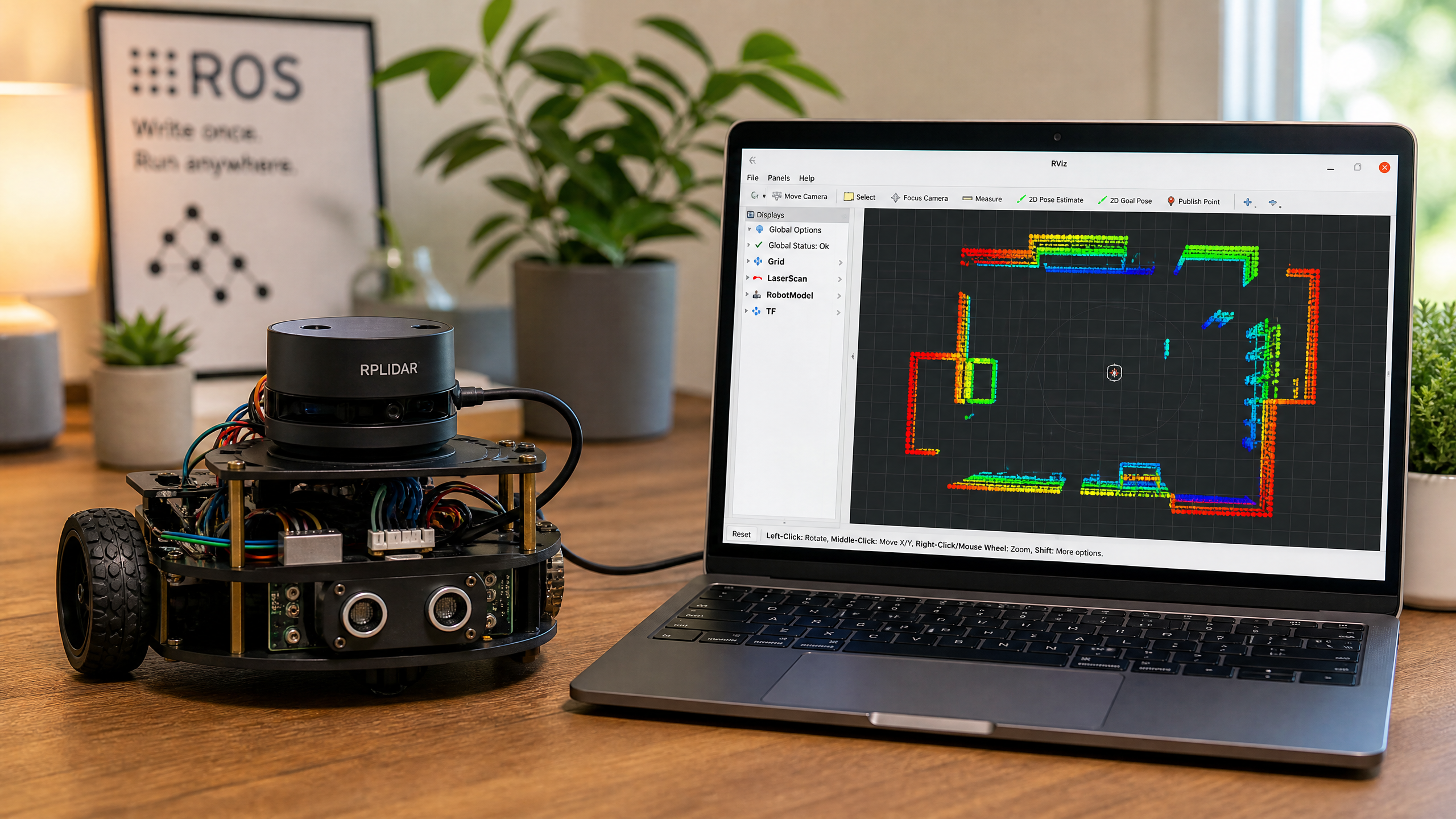
LiDAR for Robots: From Theory to Your First Scan
LiDAR gives your robot a 360-degree view of its surroundings. Learn how it works, meet the RPLIDAR A1, and see how to visualize scan data in ROS2.
A single ultrasonic sensor tells you how far away one thing is. A LiDAR (Light Detection And Ranging) sensor tells you how far away everything is — in all directions at once. This 360-degree distance map is the foundation of autonomous navigation.
How LiDAR Works
A LiDAR sensor emits laser light and measures the distance to whatever it hits. There are two common ways to do this: time-of-flight (measuring how long each pulse takes to return) and laser triangulation (measuring the angle at which the reflected beam lands on a sensor). By spinning the laser and measuring at thousands of angles per second, it builds a 2D map of distances in a horizontal plane.
The output is a 2D scan — a set of (angle, distance) readings that together describe the shape of the environment around the robot. In ROS2 this is published as a LaserScan message (which the code below subscribes to). The term “point cloud” properly refers to 3D LiDAR data (ROS2’s PointCloud2), not the 2D scan a single-plane LiDAR produces.
The RPLIDAR A1
The Slamtec RPLIDAR A1 is the most popular entry-level LiDAR for robotics. It uses laser triangulation (not time-of-flight) to measure distance. At ~$100, it offers:
- 360° scanning
- Up to 8,000 samples per second
- Range: 0.15–12 meters
- Angular resolution: ≤1°
- Scan rate: ~5.5 Hz (configurable up to ~10 Hz)
- USB interface (appears as a serial port)
How does it compare to the other distance sensors in this series? Here’s the short version:
| Sensor | Coverage | Range | Rough cost | Best for |
|---|---|---|---|---|
| Ultrasonic (HC-SR04) | One narrow cone | ~0.02–4 m | ~$2 | Single-direction obstacle checks |
| Depth camera | Forward field of view | ~0.1–10 m | $150–600 | Rich 3D in front of the robot |
| 2D LiDAR (RPLIDAR A1) | Full 360° plane | 0.15–12 m | ~$100 | Mapping & navigation (SLAM) |
Connecting to ROS2
Install the ROS2 driver:
sudo apt install ros-humble-rplidar-rosLaunch the driver:
ros2 launch rplidar_ros rplidar_a1_launch.pyVisualize in RViz2:
ros2 run rviz2 rviz2
# Add a LaserScan display, set topic to /scan
Reading Scan Data in Python
import rclpy
from rclpy.node import Node
from sensor_msgs.msg import LaserScan
import numpy as np

class LidarReader(Node):
    def __init__(self):
        super().__init__('lidar_reader')
        self.sub = self.create_subscription(
            LaserScan, '/scan', self.scan_callback, 10
        )

    def scan_callback(self, msg):
        ranges = np.array(msg.ranges)
        # Filter out invalid readings (inf, nan, 0)
        valid = ranges[(ranges > msg.range_min) & (ranges < msg.range_max)]

        if len(valid) > 0:
            self.get_logger().info(
                f'Min distance: {valid.min():.2f}m, '
                f'Max distance: {valid.max():.2f}m, '
                f'Points: {len(valid)}'
            )

def main():
    rclpy.init()
    node = LidarReader()
    rclpy.spin(node)

if __name__ == '__main__':
    main()
LiDAR is the key sensor for SLAM (Simultaneous Localization and Mapping) — the technique that lets a robot build a map of its environment while navigating through it. We’ll cover SLAM in a future tutorial.