
Understanding IMUs: Measuring Motion and Orientation
An IMU (Inertial Measurement Unit) tells your robot which way is up, how fast it's turning, and how it's accelerating. Here's how to use the MPU-6050 with Arduino.
An IMU (Inertial Measurement Unit) combines an accelerometer and a gyroscope (and often a magnetometer) into a single chip. It’s essential for any robot that needs to know its orientation — a balancing robot, a drone, a robot arm, or any mobile platform.
What Each Sensor Measures
Accelerometer: measures linear acceleration in three axes (X, Y, Z). At rest, it measures gravity — which tells you which way is “down” and therefore your tilt angle.
Gyroscope: measures angular velocity (rotation rate) around three axes. Integrating over time gives you angle change, but gyroscopes drift over time.
Magnetometer (if present): measures the Earth’s magnetic field, giving you an absolute heading (like a compass).
Both the accelerometer and gyroscope work along the same three axes. Rotation about each axis has a name you’ll see everywhere in robotics — roll, pitch, and yaw:
The art of using an IMU is sensor fusion — combining accelerometer and gyroscope data to get stable, accurate orientation estimates. The Kalman filter and complementary filter are the two most common approaches.
The MPU-6050
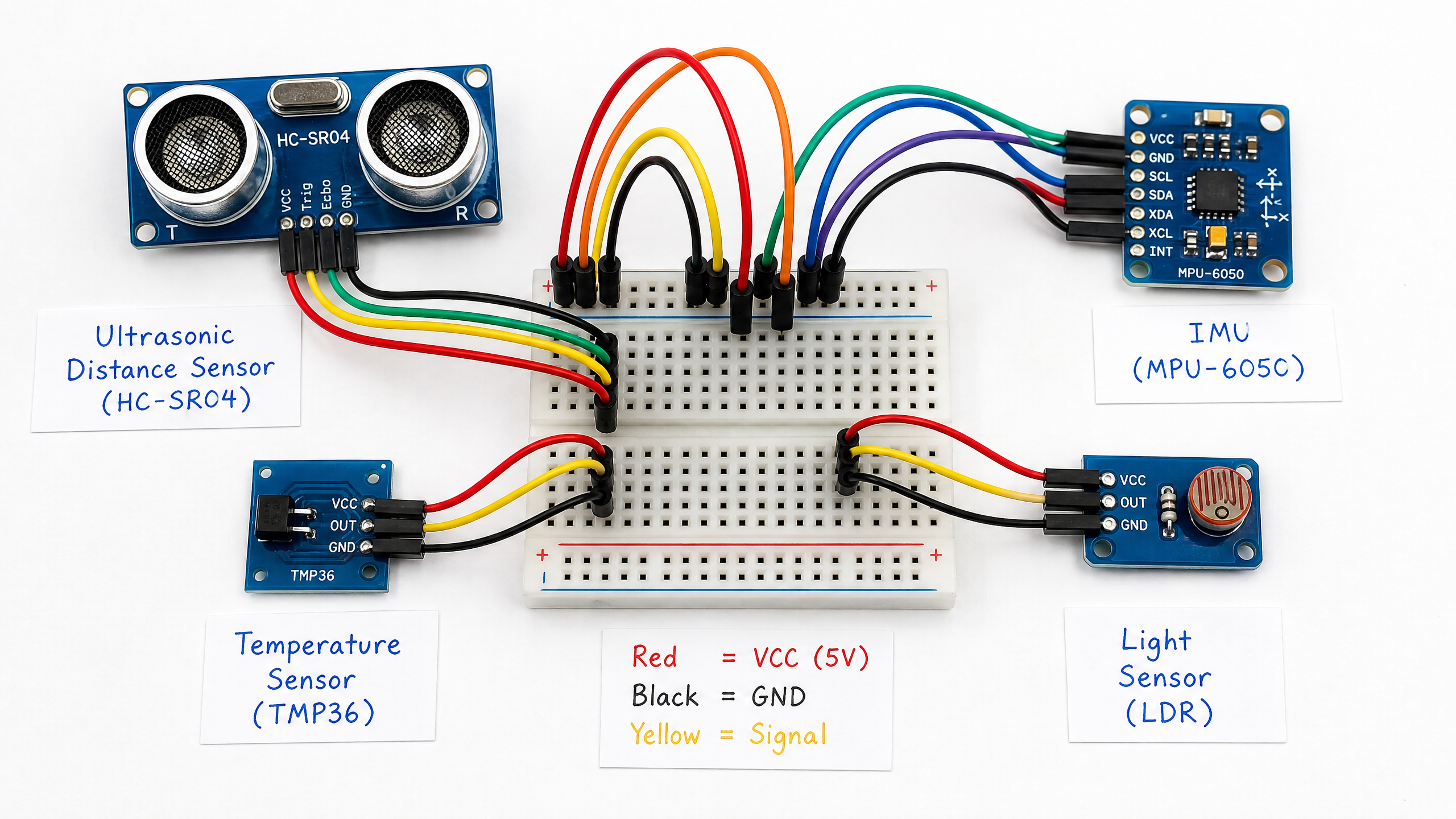
The MPU-6050 is a 6-DOF IMU (3-axis accelerometer + 3-axis gyroscope) that communicates via I2C. It costs about $2 and is one of the most widely used IMUs in hobby robotics.
#include <Wire.h>
#include <MPU6050.h>

MPU6050 mpu;

void setup() {
  Wire.begin();
  Serial.begin(9600);
  mpu.initialize();

  if (mpu.testConnection()) {
    Serial.println("MPU-6050 connected!");
  }
}

void loop() {
  int16_t ax, ay, az, gx, gy, gz;
  mpu.getMotion6(&ax, &ay, &az, &gx, &gy, &gz);

  // Convert to physical units
  float accel_x = ax / 16384.0; // g (±2g range)
  float accel_y = ay / 16384.0;
  float accel_z = az / 16384.0;
  float gyro_x = gx / 131.0;   // deg/s (±250°/s range)
  float gyro_y = gy / 131.0;
  float gyro_z = gz / 131.0;

  // Calculate roll and pitch from accelerometer
  float roll = atan2(accel_y, accel_z) * 180.0 / PI;
  float pitch = atan2(-accel_x, sqrt(accel_y*accel_y + accel_z*accel_z)) * 180.0 / PI;

  Serial.print("Roll: "); Serial.print(roll);
  Serial.print("  Pitch: "); Serial.println(pitch);

  delay(50);
}
Complementary Filter
A simple complementary filter combines the gyroscope (good short-term, drifts long-term) with the accelerometer (noisy short-term, stable long-term):
float alpha = 0.98; // Trust gyroscope 98%, accelerometer 2%
float dt = 0.05;    // 50ms loop time

float angle = alpha * (angle + gyro_rate * dt) + (1 - alpha) * accel_angle;
Note that gyro_rate, accel_angle, and angle above are placeholders you need to supply: gyro_rate is the gyro reading in deg/s (e.g. gyro_x from earlier), accel_angle is the angle computed from the accelerometer using the roll/pitch formulas above, and angle is the running fused estimate that must persist between loop iterations (declare it as a global or static variable).
This simple filter works surprisingly well for many applications. For more accuracy, look into the Madgwick or Mahony filters, which are available as Arduino libraries.