Robot Grippers & End Effectors
A robot arm that can move anywhere is still useless without a hand. Learn the four families of grippers, how ROS 2 commands them as an action, and the pitfalls that make a gripper drop, crush, or ignore what it's holding.
Last week’s depth camera can tell your robot exactly how far away an object is. Arm kinematics can get the end of that arm to any point in reach. But knowing where an object is and being able to reach it still leaves the actual job undone: picking the thing up. That’s the end effector’s job — whatever is bolted to the last joint of the arm, doing the actual interacting with the world. For most robot arms, that end effector is a gripper, and this week is about the four common kinds, how ROS 2 talks to one, and why “just close the fingers” hides more subtlety than it looks like.
What You’ll Learn
- The four families of grippers and which jobs each one is actually good at
- How a gripper shows up in ROS 2 as a joint, commanded through an action interface
- How to send an open/close command in Python using
control_msgs - Why force, not just position, is usually the setting that matters most
- The pitfalls that make grippers crush objects, drop them, or silently fail to grasp at all
Four Families of Grippers
“Gripper” covers a wide range of mechanisms, and picking the right family for a job matters more than any tuning you’ll do afterward:
| Type | How it holds | Good at | Struggles with |
|---|---|---|---|
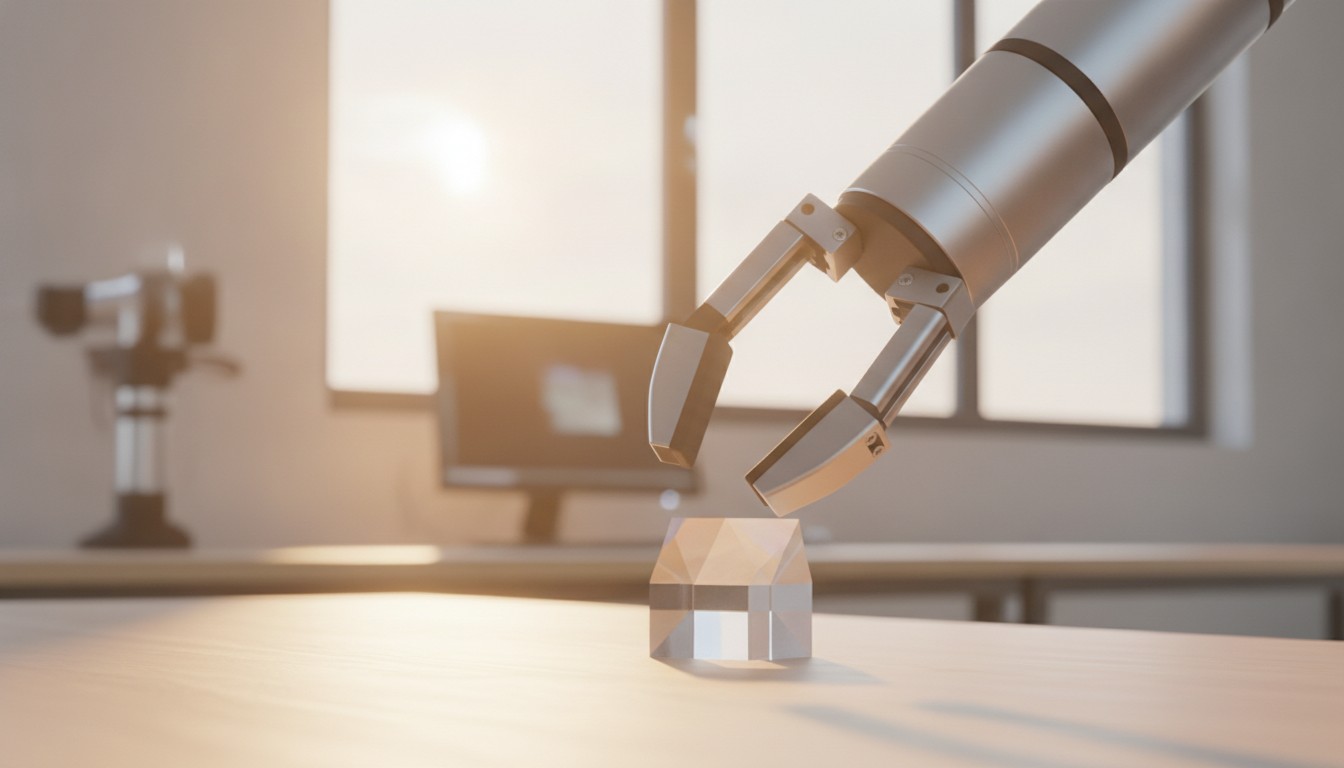
| Parallel-jaw | Two rigid fingers close together (usually one servo or geared motor driving both) | Rigid objects with two flat-ish parallel faces; simple, precise, well-supported in ROS 2 | Round, fragile, or oddly-shaped objects; fixed jaw width limits object size range |
| Vacuum / suction | A suction cup (or array of cups) forms an airtight seal, pulled by a vacuum pump or venturi | Flat, sealed, non-porous surfaces — boxes, glass, smooth plastic; very fast cycle times in warehouses | Porous, curved, or perforated surfaces that won’t hold a seal; no grip on an already-vertical or textured face |
| Soft / underactuated | Compliant fingers (silicone, or a tendon-driven linkage) that passively wrap around whatever they touch | Irregular or delicate shapes, without needing to know the exact geometry in advance | Precise, repeatable positioning; heavy payloads; fast cycle times |
| Multi-fingered / dexterous hand | Three or more independently actuated fingers, each with its own joints | In-hand manipulation — reorienting an object after grasping it, human-like tasks | Cost, complexity, and control difficulty; usually overkill for a simple pick-and-place |
Most beginner and small-robot projects start with a parallel-jaw gripper: it’s mechanically simple, its single degree of freedom (open ↔ closed) maps directly onto one joint, and it has the best out-of-the-box ROS 2 support. The rest of this post focuses on that family, since the concepts (a commanded joint, a force limit, a stall) carry over to the others too.
A Gripper Is (Usually) Just Another Joint
Here’s the useful simplification: to ros2_control, a parallel-jaw gripper is a single revolute or prismatic joint, exactly like an arm joint from Week 19 — it just happens to open and close a pair of fingers instead of swinging a link. That means it plugs into the same architecture as any other actuator: a hardware interface reads the joint’s real position and effort, and a controller turns high-level commands into a target for that joint.
That “goal” is sent as a ROS 2 action (not a topic) specifically because grasping takes time and can succeed, fail, or stall partway — exactly the kind of long-running, cancelable, feedback-producing task actions are built for. On current ROS 2 distributions (Jazzy and newer), the standard message is control_msgs/action/ParallelGripperCommand, which replaced the older GripperCommand action still found on Humble. Both express the same idea: a target and a force limit, in, and a final position and a “stalled” flag, out.
Sending an Open/Close Command in Python
Here’s a minimal action client that closes a gripper with a force limit, then opens it again:
import rclpy
from rclpy.action import ActionClient
from rclpy.node import Node
from control_msgs.action import ParallelGripperCommand
from sensor_msgs.msg import JointState

class GripperClient(Node):
    def __init__(self):
        super().__init__('gripper_client')
        self._client = ActionClient(
            self, ParallelGripperCommand, '/gripper_controller/gripper_cmd')

    def send_goal(self, position: float, effort: float = 10.0):
        self._client.wait_for_server()
        goal = ParallelGripperCommand.Goal()
        goal.command = JointState()
        goal.command.name = ['gripper_finger_joint']
        goal.command.position = [position]
        goal.command.effort = [effort]
        return self._client.send_goal_async(goal)

def main():
    rclpy.init()
    node = GripperClient()
    # Close to grasp, with a modest force limit
    rclpy.spin_until_future_complete(node, node.send_goal(position=0.0, effort=15.0))
    # Later: open fully to release
    rclpy.spin_until_future_complete(node, node.send_goal(position=0.08, effort=15.0))
    rclpy.shutdown()

if __name__ == '__main__':
    main()
The exact action name (/gripper_controller/gripper_cmd here), joint name, and position units (usually meters of jaw opening, or radians for an angular gripper) depend on your specific gripper’s URDF and controller configuration — check the driver package’s launch files and ros2_control config for the real names before running this against hardware.
Why Effort Matters More Than Position
Notice that the goal above sets both a target position and a maximum effort — that second number is doing the important work. If you only ever command a position (“close to 0.0”), the gripper will keep driving toward that target even after its fingers meet an object, applying however much force the motor is capable of. Setting effort to a sane limit tells the controller “stop pushing once you’re applying this much force, even if you haven’t reached the commanded position” — which is exactly what should happen when the fingers meet an object’s actual surface. The stalled flag in the action’s feedback is what tells you that just happened: a stall while closing on an object partway means “I’m holding something,” not “I failed.”
Common Pitfalls
Commanding position without an effort limit. This is the single most common way to break a gripper or crush a fragile object — the motor doesn’t know it’s holding something instead of squeezing empty air.
Assuming “reached goal” means “grasped something.” If you commanded fingers fully closed and they reached that position, they closed on nothing — the object either wasn’t there or was too big for a full close to represent a grasp. Check stalled and the final joint position together: a partial close with a stall usually means success, a full close to the mechanical limit usually means a miss.
Picking the wrong gripper family for the object. A parallel-jaw gripper on a round object relies entirely on friction and finger shape; a vacuum cup on a porous or perforated surface won’t hold a seal at all. Match the family to the object before writing any grasp-planning code — no amount of software fixes a fundamental mechanical mismatch.
Ignoring cycle time and duty cycle. Soft and underactuated grippers are forgiving about exact object geometry but are usually slower to open and close than a rigid parallel-jaw gripper, and some pneumatic or vacuum systems have a duty cycle limit on their pump. A gripper tuned for careful handling in a lab demo may be far too slow for a task that needs high throughput.
Forgetting pinch points are still real hardware. A gripper closing with real force is a pinch hazard exactly like any other actuator — keep hands, cables, and test fixtures clear while iterating on force limits, and start any new configuration at a low effort value before increasing it.
Recap
| What you want | How to do it |
|---|---|
| Pick a gripper family | Rigid & simple → parallel-jaw; flat & sealed → vacuum; irregular & delicate → soft; in-hand manipulation → multi-fingered |
| Treat a gripper like ROS 2 hardware | It’s a joint, driven through ros2_control like any other actuator |
| Send an open/close command | A ParallelGripperCommand (or GripperCommand on Humble) action goal, with position and effort |
| Know when you’ve actually grasped something | Check the stalled feedback flag alongside the final joint position, not position alone |
| Avoid crushing or dropping the object | Always set a sensible effort limit — never command position alone against an unknown object |
A gripper that can open, close, and tell you when it’s stalled against something is the last piece the arm needs before it can start doing real pick-and-place work — but getting the fingertips to the right pose in the first place is its own problem. Next week picks that up directly: Inverse Kinematics with MoveIt 2.