
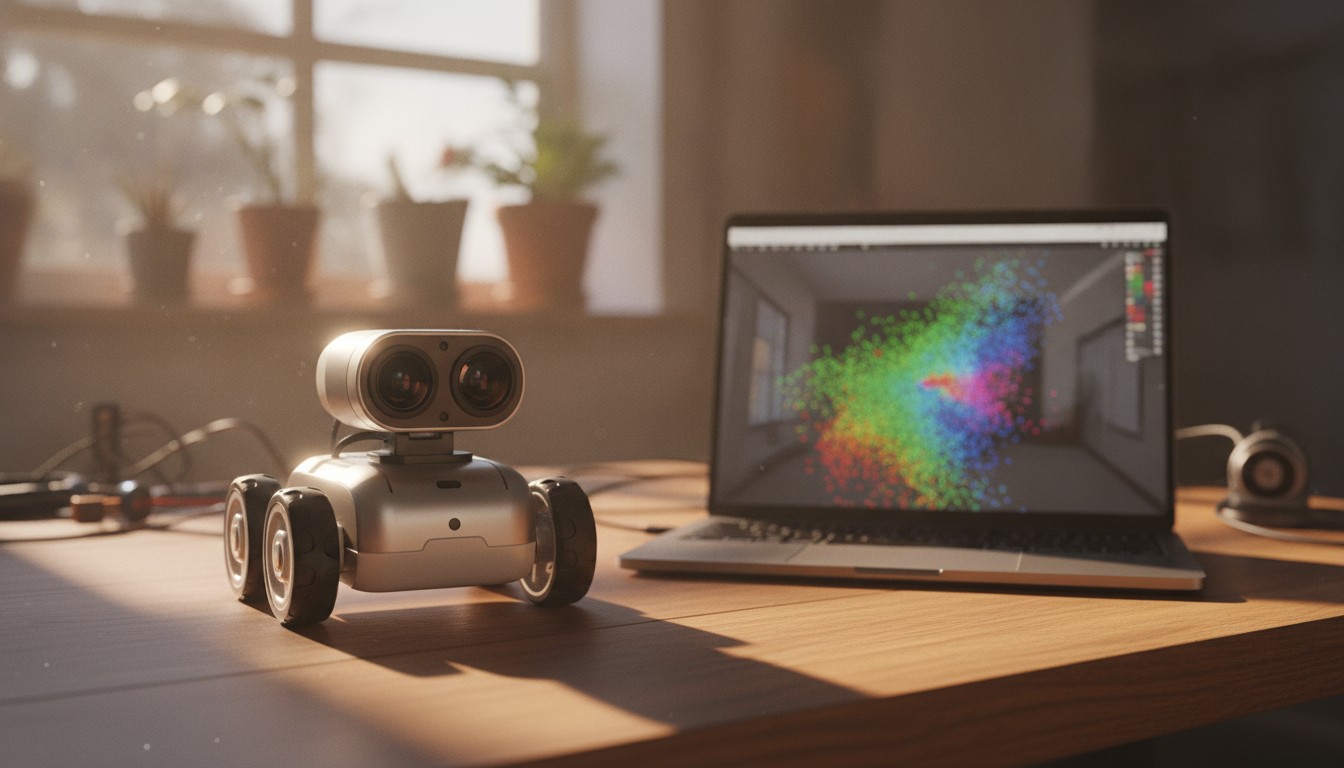
Depth Cameras in Practice (RealSense / OAK)
A point cloud has to come from somewhere. Learn how stereo depth cameras like the Intel RealSense D400 series and Luxonis OAK-D turn two images into a distance for every pixel, and wire one into ROS 2.
Two weeks ago you unpacked a PointCloud2 message and downsampled it in Python — but that post glossed over where the points actually come from, promising “a depth camera like the ones we’ll wire up in a few weeks.” This week is that week. A depth camera hands you, for every pixel in an image, not just a color but a distance — and from that grid of distances, depth_image_proc or the driver itself can build the point cloud you already know how to handle.
Two boards dominate hobbyist and small-robot depth sensing today: Intel’s RealSense D400 series (RealSense span out of Intel as an independent company in 2025, and is still the D400 line’s steward) and Luxonis’s OAK-D family, built around their own DepthAI stack. Both are stereo cameras at heart. This week covers how that stereo trick works, how to bring up each camera in ROS 2, and how to read a raw depth value out of Python.
What You’ll Learn
- How a stereo depth camera turns two 2D images into a per-pixel distance, without a laser
- What actually differs between the RealSense D400 series and the Luxonis OAK-D
- How to bring up each camera in ROS 2 Jazzy and find its color, depth, and point cloud topics
- How to align depth to color, and why that step matters
- How to read a single pixel’s real-world distance out of a depth image in Python
- The pitfalls that make depth data noisy, sparse, or subtly wrong
Stereo Depth, Intuitively
Close one eye and reach for a cup — it’s harder to judge the distance. Two eyes make it easy because your brain compares the same object’s position in each eye’s view: something close shifts a lot between the two views, something far away barely shifts at all. That shift is disparity, and it’s inversely proportional to distance. Stereo depth cameras compute exactly this, in hardware, for every pixel:
Given the two cameras’ known separation (the baseline) and their calibrated intrinsics, disparity converts directly into a metric distance. The catch is the matching step: the camera has to find the same real-world point in both images before it can measure the shift, and that’s easy on a textured surface (a wood grain, a printed label) and nearly impossible on a blank white wall, where every pixel looks like every other pixel. That’s why both cameras below add a trick to make matching easier everywhere, not just on textured surfaces.
RealSense vs. OAK-D: What Actually Differs
| Intel RealSense D400 series | Luxonis OAK-D | |
|---|---|---|
| Core sensing | Active stereo: two IR cameras + an IR pattern projector that paints texture onto blank surfaces | Stereo: two grayscale global-shutter cameras, plus an RGB camera |
| Depth compute | On the camera’s own vision ASIC | On-device, via Luxonis’s DepthAI stack (an embedded AI/vision processor) |
| Extra capability | RGB + depth pipeline; some models add an IMU | Runs neural networks (object detection, tracking) directly on the camera, alongside depth |
| ROS 2 package | realsense2_camera | depthai_ros_driver |
| Good fit | General-purpose depth + RGB where you’ll do the compute elsewhere | Robots where you want detection or tracking to happen on-camera, off your main CPU |
Both are active stereo systems in the sense that they help their own matching step — RealSense with a projected IR dot pattern, OAK-D by pairing accurate stereo optics with tuned matching algorithms on-chip — as opposed to a time-of-flight camera, which measures distance by timing a light pulse’s round trip instead of comparing two images at all. For most beginner robotics projects, either is a reasonable choice; which one you have is usually a bigger factor than which one is “better.”
Bringing Up a RealSense D400
Install the ROS 2 wrapper (these examples use Jazzy):
sudo apt install ros-jazzy-realsense2-cameraLaunch it with depth-to-color alignment and the point cloud enabled:
ros2 launch realsense2_camera rs_launch.py \
  align_depth.enable:=true \
  pointcloud.enable:=true
By default the node publishes under the /camera/camera/ namespace:
/camera/camera/color/image_raw— the RGB image/camera/camera/depth/image_rect_raw— raw depth, in the depth sensor’s own frame/camera/camera/aligned_depth_to_color/image_raw— depth reprojected into the color camera’s frame (this is the one you usually want)/camera/camera/depth/color/points— a ready-madePointCloud2, colored using the RGB image
Bringing Up an OAK-D
Install depthai_ros_driver (Jazzy currently tracks the stable v2-line release; Luxonis’s newer DepthAI V3 driver targets ROS 2 Kilted and hasn’t been backported to Jazzy):
sudo apt install ros-jazzy-depthai-rosLaunch the default camera node, which publishes under the /oak/ namespace:
ros2 launch depthai_ros_driver camera.launch.pyRGB (rgb.i_publish_topic) and depth (stereo.i_publish_topic) streams publish by default; a point cloud needs the RGBD-plus-pointcloud launch variant:
ros2 launch depthai_ros_driver rgbd_pcl.launch.pyThat gives you /oak/rgb/image_raw, /oak/stereo/image_raw, and a PointCloud2 built from both.
Reading a Distance Out of a Depth Image
However you got there, a depth image (aligned_depth_to_color/image_raw for RealSense, stereo/image_raw for OAK-D) is a single-channel image where each pixel’s value is a distance, typically 16UC1 — 16-bit unsigned integers, in millimeters. You can read one pixel’s distance directly, without ever touching a point cloud:
import rclpy
from rclpy.node import Node
from sensor_msgs.msg import Image
from cv_bridge import CvBridge

class DepthProbe(Node):
    def __init__(self):
        super().__init__('depth_probe')
        self.bridge = CvBridge()
        self.create_subscription(
            Image, '/camera/camera/aligned_depth_to_color/image_raw',
            self.on_depth, 10)

    def on_depth(self, msg: Image):
        depth = self.bridge.imgmsg_to_cv2(msg, desired_encoding='passthrough')
        h, w = depth.shape
        center_mm = int(depth[h // 2, w // 2])
        if center_mm == 0:
            self.get_logger().info('No valid depth at center pixel')
        else:
            self.get_logger().info(f'Center pixel: {center_mm / 1000.0:.2f} m')

def main():
    rclpy.init()
    rclpy.spin(DepthProbe())

if __name__ == '__main__':
    main()
A depth value of exactly 0 is the sensor’s way of saying “no valid reading here” — always check for it before dividing or displaying, or you’ll report a confident-looking distance of zero meters for a spot the camera simply couldn’t measure.
Common Pitfalls
Trusting depth at long range. Stereo depth’s precision degrades with the square of distance — a D400-series camera might resolve a few millimeters at 1 m but tens of centimeters at 5 m. Depth cameras are for near-field work (grasping, close obstacle avoidance), not for sensing across a room; that’s still a job for LiDAR.
Forgetting the alignment step. Depth and color come from physically separate lenses. Without align_depth.enable:=true (RealSense) or an equivalent alignment, a pixel’s color and its depth value describe two slightly different points in space — fine for viewing depth alone, wrong for anything that fuses the two, like coloring a point cloud or picking a grasp point from an RGB detection.
Blank, glossy, or sunlit surfaces starve the matcher. A projected IR pattern (RealSense) or fine stereo optics (OAK-D) both still need some texture to lock onto. Direct sunlight can wash out an IR projector outdoors, and glass or glossy plastic reflects rather than scatters it — expect holes (zero values) over mirrors, windows, and blank walls.
Skipping calibration. Both cameras ship factory-calibrated, but if you 3D-print a new mount, add a lens shield, or the camera takes a knock, that factory calibration can drift. Re-run a checkerboard calibration if depth or RGB alignment starts looking consistently off.
Firehosing a Raspberry Pi with USB 2.0. Full-resolution color + depth + point cloud can exceed what USB 2.0 can carry, causing dropped frames or connection resets. Use a USB 3.0 port and cable, and lower resolution or frame rate first before assuming the camera itself is broken.
Drowning downstream nodes in point cloud data. A depth camera’s point cloud is dense — routinely 300,000+ points per frame. If a downstream node is doing anything nontrivial with it, downsample first rather than processing every point every frame.
Recap
| What you want | How to do it |
|---|---|
| Understand how stereo depth works | Match the same point in two images; the pixel shift (disparity) converts to distance |
| Bring up a RealSense D400 | ros2 launch realsense2_camera rs_launch.py align_depth.enable:=true pointcloud.enable:=true |
| Bring up an OAK-D | ros2 launch depthai_ros_driver camera.launch.py (add rgbd_pcl.launch.py for a point cloud) |
| Get depth and color pixels that line up | Enable depth-to-color alignment; never assume raw depth and raw color already match |
| Read one pixel’s distance in Python | cv_bridge to a NumPy array, then index it — 16UC1 values are millimeters, 0 means invalid |
| Avoid noisy or missing depth | Stay near-field, keep surfaces textured, watch out for sunlight, glass, and gloss |
A depth camera is really just a specialized way of turning two ordinary images into the point clouds from two weeks ago — the same math and pitfalls (noise, missing data, too many points) carry straight over. Next week the perception block hands off to a new one: you’ll put a gripper on the robot and start figuring out how to actually pick things up, starting with Robot Grippers & End Effectors.