
Designing Your First Robot Chassis
The chassis is the skeleton of your robot. Learn the key design decisions — wheel configuration, center of mass, motor mounting — that determine how well your robot moves.
Before a single line of code runs, your robot needs a body to live in. The chassis is the skeleton that holds the motors, batteries, electronics, and sensors together and turns motor torque into motion. A well-designed chassis makes everything downstream easier; a poorly designed one will tip over, drag a wheel, or rattle its wiring loose no matter how clever your software is.
Drive Configurations Compared
How your wheels are arranged decides how your robot moves and turns. Here are the four most common choices.
| Configuration | How it turns | Pros | Cons |
|---|---|---|---|
| Differential drive (2 wheels + caster) | Spins wheels at different speeds | Simplest, cheapest, easy to control | Cannot move sideways |
| 4-wheel skid steer | Drags/skids wheels like a tank | More traction and pushing force | Wastes energy, scuffs on turns |
| Mecanum / omni | Special rollers on wheels | Moves in any direction (holonomic) | Complex, expensive, low traction |
| Tracked | Skids like skid steer | Excellent on rough terrain | Heavy, inefficient, hard to build |
Differential drive is where almost every beginner should start. Two independently driven wheels plus a free-rolling caster (a small swivel wheel that just keeps the robot level) gives you a robot that drives forward, backward, and turns in place — all controlled by two motor speeds. It is mechanically simple and the math for controlling it is friendly.
Skid steer uses four driven wheels and turns by spinning the wheels on one side faster than the other, dragging the robot around like a tank. It has more traction but wastes energy scrubbing the wheels sideways during turns.
Mecanum and omni wheels have angled rollers that let the robot slide sideways and rotate independently — this is called holonomic motion (the ability to move in any direction without first turning to face it). It looks magical but comes at the cost of complexity, expense, and reduced traction. Save it for when you specifically need sideways motion.
Tracked drives shine on rough or loose terrain but are heavy and inefficient. Most indoor robots do not need them.
A top-down sketch makes the two most common layouts easier to picture. Notice how the differential robot has only two driven wheels plus a caster, while the mecanum robot drives all four wheels — each with rollers set at 45°.
Center of Mass: Why Robots Tip Over
The single most important mechanical concept for a mobile robot is the center of mass — the average position of all the weight in your robot. If the center of mass moves outside the footprint of the wheels, the robot tips over.
Two rules follow directly:
- Keep it low. A tall, top-heavy robot tips easily when it accelerates, brakes, or turns. Mount the heaviest component — usually the battery — as low in the chassis as possible.
- Keep it centered. Weight bunched at one end loads some wheels more than others, causing uneven traction and unpredictable steering. Aim to balance the robot over its drive wheels.
The diagram below shows why height matters. As long as the center of mass stays above the wheelbase, gravity pulls the robot back down; once it leans far enough that the center of mass passes outside the wheels, the same gravity tips it over.
A low, centered center of mass is the cheapest stability upgrade you will ever make. It costs nothing but a little planning.
Wheel Placement and the Caster
In a differential-drive robot, the two driven wheels should sit on a common axis through (or very near) the center of mass, so the robot pivots cleanly when it turns in place. The caster carries the remaining weight without resisting motion — it simply swivels to follow wherever the robot goes.
A common beginner mistake is loading too much weight onto the caster. If the caster is bearing most of the robot’s weight, the drive wheels lose traction and spin uselessly. The drive wheels should carry the majority of the load.
Motor Mounting and Wheel Alignment
Motors must be mounted rigidly and squarely. If a motor flexes or sits at a slight angle, the wheel will not roll straight, and the robot will veer even when both motors run at the same speed. Watch for:
- Square alignment. Both drive wheels should be parallel and their axes collinear. A wheel that toes in or out drags and wastes power.
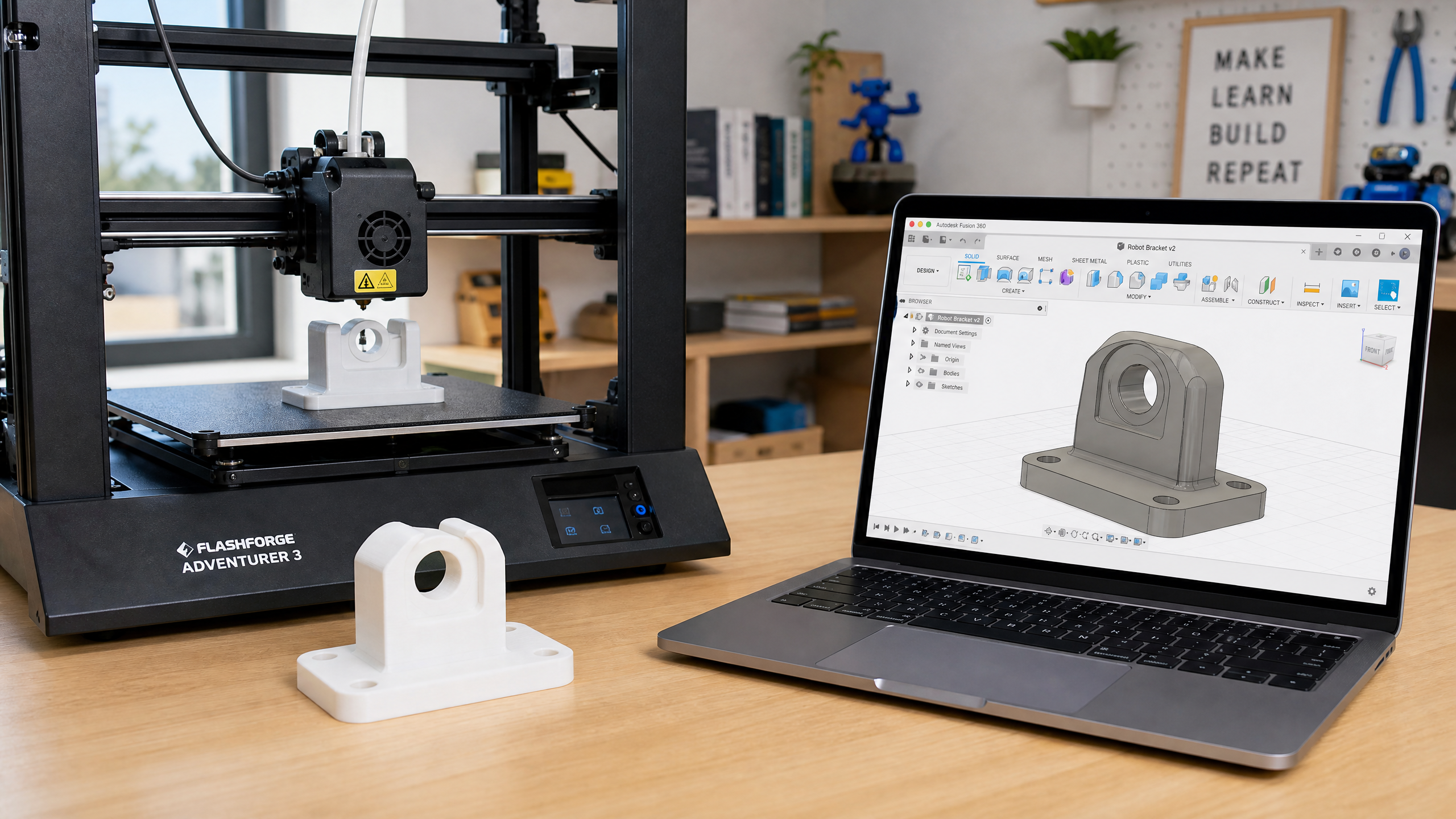
- Rigid brackets. Use a stiff bracket — a 3D-printed motor mount with thick walls, or a metal clamp — so the motor cannot twist under load.
- Secure shaft coupling. The wheel must grip the motor shaft firmly. A loose set screw is a classic cause of “the robot suddenly stopped moving.”
Material Choices
You have several practical options, each with a different balance of cost, strength, and effort. This ties directly back to Week 13 on 3D printing.
- 3D-printed PLA or PETG. The most accessible route. Perfect for custom motor mounts, sensor brackets, and the chassis plate itself on a small robot. PETG is tougher and more heat-resistant than PLA. Remember that printed parts are weakest between layers — orient them so loads run along the layers, not across them.
- Laser-cut acrylic or plywood. Fast and cheap for flat plates. Plywood is forgiving and strong for its weight; acrylic looks clean but is brittle and cracks at stress points.
- Aluminum extrusion (e.g. 20×20 T-slot). The grown-up option for larger or heavier robots. Strong, modular, and endlessly reconfigurable, but heavier and more expensive.
A common and effective combination is a laser-cut or aluminum base plate with 3D-printed brackets bolted on for the parts that need custom shapes.
Leaving Room for Everything Else
A beginner trap is designing a tidy chassis and only then discovering there is nowhere to put the battery. Plan the weight budget and the volume budget from the start:
- Battery space. Batteries are heavy and bulky. Give the battery a dedicated, accessible mounting spot — low and central, as discussed above. See Week 14 for sizing.
- Electronics room. The microcontroller, motor driver, and sensors all need mounting surfaces and breathing room. Reserve space before finalizing the layout.
- Cable management. Wires need somewhere to run. Add channels, clips, or tie-down points so cables do not dangle into the wheels or pull loose when the robot moves. Tidy wiring also makes debugging far easier later.
Common Mistakes
- High center of mass. The classic tip-over cause. Get the battery down low.
- Misaligned motors. Wheels that are not square make the robot veer and waste power. Mount motors rigidly and check alignment.
- No room for wiring. Designing the structure first and the wiring last leaves cables crammed in or hanging out. Plan cable routes early.
- Overloading the caster. Put the weight on the drive wheels, not the free-rolling caster, or you will lose traction.
A good chassis is not the flashiest part of a robot, but it is the foundation everything else stands on. Get the geometry and weight right, and the rest of the build goes smoothly.
Next week brings a Robotics Dispatch — a mid-year reality check on safety, rules, and where the field actually stands. Then we tackle what to do when, despite all this careful planning, something just will not work: a systematic approach to debugging hardware.