
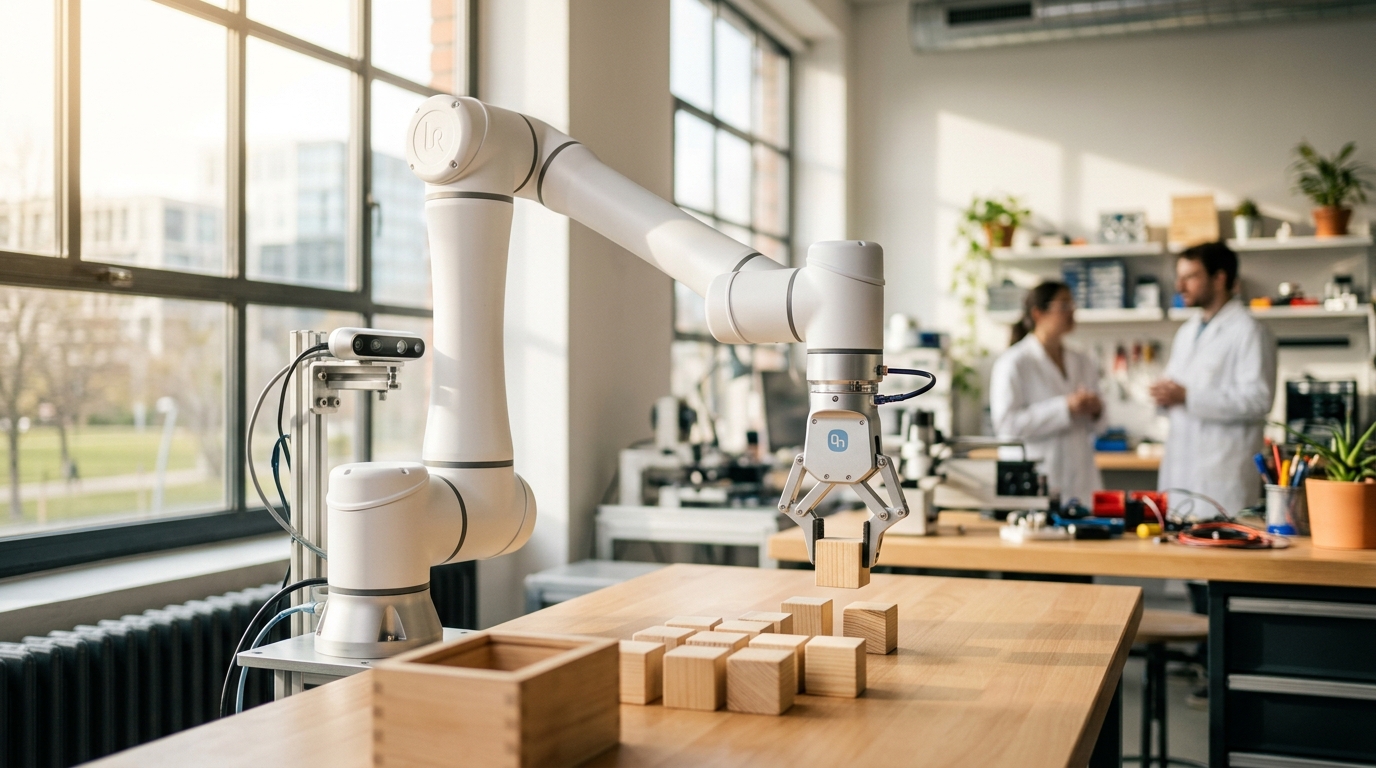
Grasping: From Detection to Pick-and-Place
Seeing an object and planning a path are only two links in the chain. Learn how a grasp pose bridges perception and motion, and how MoveIt Task Constructor stitches approach, grasp, lift, and place into one plan.
Over the last few weeks we’ve built up the parts of a manipulation stack one at a time: a depth camera that sees the scene, a gripper that can hold things, inverse kinematics to turn a pose into joint angles, and motion planning to get there without hitting anything. This week we connect them. The missing piece is the question in the middle: where, exactly, should the gripper be to pick this thing up? The answer is a grasp pose, and turning “there’s a mug on the table” into a full pick-and-place motion is what this post is about.
What You’ll Learn
- What a grasp pose is, and how it differs from the object’s own pose
- The standard stages of a pick: approach, grasp, lift
- How MoveIt Task Constructor (MTC) chains those stages into a single plan
- Where grasp poses come from: hand-written rules versus learned grasp detectors
- The pitfalls that make a plan “succeed” while the real grasp fails
A Grasp Pose Is Not the Object Pose
A perception pipeline usually hands you the object pose: where the thing is, in some frame such as base_link. A grasp pose is where the gripper (specifically its tool frame, the point between the fingers) should be so that closing the fingers holds the object securely. For a box, that might be “centered on the box, fingers across the narrow side, palm facing down.” For a mug, it might be around the handle, or around the body, and both are valid.
So one object usually has many candidate grasps, and picking among them is part of the job. A grasp is good if it’s reachable (IK has a solution), collision-free, and stable (the gripper can actually squeeze it without it slipping out).
The Anatomy of a Pick
Almost every pick-and-place follows the same shape, and it’s worth memorizing because it appears in every framework:
Two details matter here. The pre-grasp pose sits a few centimeters back from the grasp along the approach direction, so the final move is a short, straight push in rather than a swing that might knock the object over. And the lift is also a straight line (usually up), so the object doesn’t drag across the table or the bin edge on its way out.
Chaining It Together with MoveIt Task Constructor
Last week’s planner answered one question: “get from A to B.” A pick is a sequence of such questions, where the end of one is the start of the next, and some steps (like “approach”) must be straight lines while others (“move to pre-grasp”) can use any collision-free path. MoveIt Task Constructor (MTC) is MoveIt’s framework for exactly this. You describe the task as a list of stages, and MTC plans all of them together, searching for a combination that works end to end.
The official pick-and-place tutorial builds the pick from these stages, in order:
| Stage | What it does |
|---|---|
CurrentState | Starts from the robot’s real current state |
MoveTo (“open hand”) | Opens the gripper using a named pose |
Connect (“move to pick”) | Plans a free-space path from wherever the arm is to the start of the pick |
MoveRelative (“approach object”) | A short Cartesian move toward the object |
GenerateGraspPose | Proposes candidate grasp poses, for example spinning around the object |
ComputeIK | Wraps the grasp generator and rejects poses with no valid joint solution |
ModifyPlanningScene | Allows hand–object collisions, since touching is now the goal |
MoveTo (“close hand”) | Closes the gripper |
ModifyPlanningScene | Attaches the object to the gripper so it moves with it |
MoveRelative (“lift object”) | A short Cartesian move up |
The place half mirrors it: a Connect to the place location, a GeneratePlacePose, IK, open the hand, forbid the collision again, detach the object, and retreat.
MTC is a C++ library, and the heart of a task looks like this (condensed from the tutorial; setup of planners and the object is omitted):
moveit::task_constructor::Task task;
task.stages()->setName("pick and place");
task.loadRobotModel(node);

// Start from where the robot actually is
task.add(std::make_unique<stages::CurrentState>("current"));

// Free-space motion to the start of the pick
task.add(std::make_unique<stages::Connect>(
    "move to pick",
    stages::Connect::GroupPlannerVector{{arm_group, sampling_planner}}));

// Propose grasps around the object, keep only the ones IK can reach
auto grasp_generator = std::make_unique<stages::GenerateGraspPose>("generate grasp pose");
grasp_generator->setObject("object");
grasp_generator->setAngleDelta(M_PI / 12);   // a candidate every 15°

auto ik = std::make_unique<stages::ComputeIK>("grasp pose IK", std::move(grasp_generator));
ik->setMaxIKSolutions(8);
ik->setIKFrame(grasp_frame_transform, hand_frame);

// ... then close hand, attach object, lift (see the tutorial)

if (task.plan(5 /* max solutions */)) {
  task.introspection().publishSolution(*task.solutions().front());
  task.execute(*task.solutions().front());
}
You can watch every stage’s candidates in RViz through MTC’s Motion Planning Tasks panel, which is the fastest way to see which stage failed when no plan comes back. The upstream tutorial ships as the mtc_tutorial package; its launch files (ros2 launch moveit2_tutorials mtc_demo.launch.py and ros2 launch mtc_tutorial pick_place_demo.launch.py) are the quickest way to see a working pick and place in simulation before adapting it to your own arm.
Where Do Grasp Poses Come From?
GenerateGraspPose in the example above is a geometric rule: it spins candidate poses around a known cylinder or box. That’s fine when you know the object’s shape in advance (a part on a fixture, a block in a lab). For objects you’ve never seen, the field has moved toward learned grasp detectors: networks that look at a depth image or point cloud and output ranked candidate grasps directly. Open-source examples include GPD (Grasp Pose Detection) and Contact-GraspNet.
Either way, the interface to the rest of your system is the same: a list of candidate grasp poses in a known frame. MTC doesn’t care whether a rule or a network produced them. That’s the payoff of keeping perception, grasp generation, and motion planning as separate stages.
Common Pitfalls
Skipping the camera-to-robot calibration. A grasp pose is only as accurate as the transform that carries it from the camera frame to base_link. A centimeter of error is invisible to a planner and fatal to a two-finger grasp. Revisit camera calibration and your TF tree before blaming the grasp.
Forgetting to allow (then forbid) hand–object collision. If the object is in the planning scene and you never allow collisions with the hand, every grasp is “in collision” and planning fails. If you do allow it and never switch it back after placing, the planner will happily let the gripper pass through the object later.
Forgetting to attach the object. Until the object is attached to the gripper in the planning scene, the planner doesn’t know it’s coming along. The arm can plan a lift that sweeps the held object straight into a wall.
Using too few grasp candidates. If ComputeIK only sees one or two candidates, one unreachable pose sinks the whole plan. Generate plenty and let IK and collision checking filter them.
Trusting an open-loop plan. The object may have shifted since the camera last saw it. For anything delicate, re-detect right before the approach and check the gripper’s feedback after closing (did the fingers stop at the object’s width, or all the way shut?).
Recap
| Idea | Takeaway |
|---|---|
| Grasp pose vs. object pose | The grasp pose is where the gripper goes; one object has many candidates |
| Shape of a pick | Open, pre-grasp, approach, close, lift, then place |
| MoveIt Task Constructor | Plans a whole chain of stages together, mixing free-space and Cartesian moves |
| Planning scene bookkeeping | Allow hand–object collision, attach on grasp, detach on release |
| Grasp sources | Geometric rules for known shapes, learned detectors for unknown ones |
| Biggest real-world failure | Calibration error between camera and robot |
With an arm that can pick things up, the next question is how a mobile robot gets around. Next week: Nav2 Costmaps & Local Planners.